
17-2-25
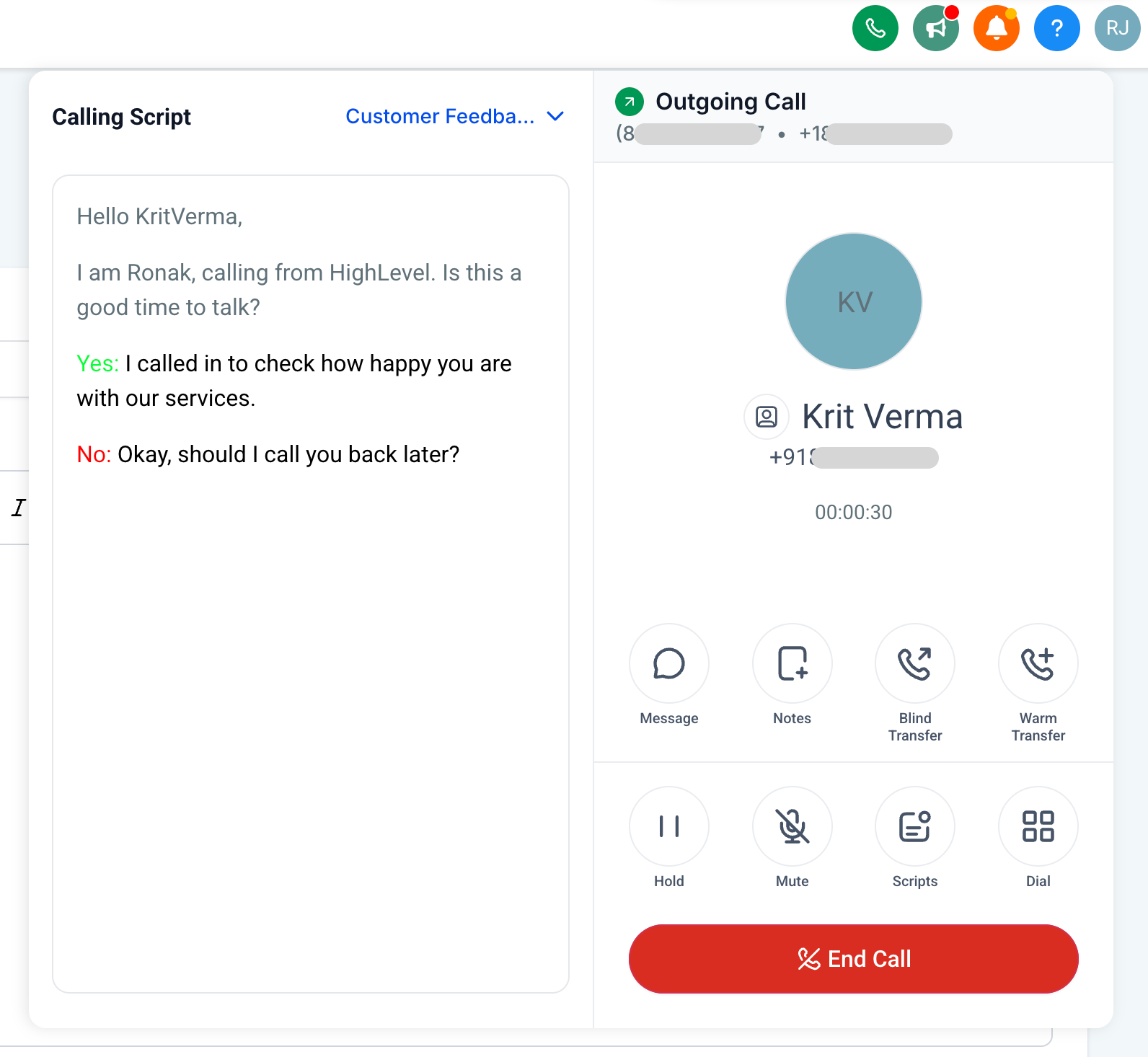
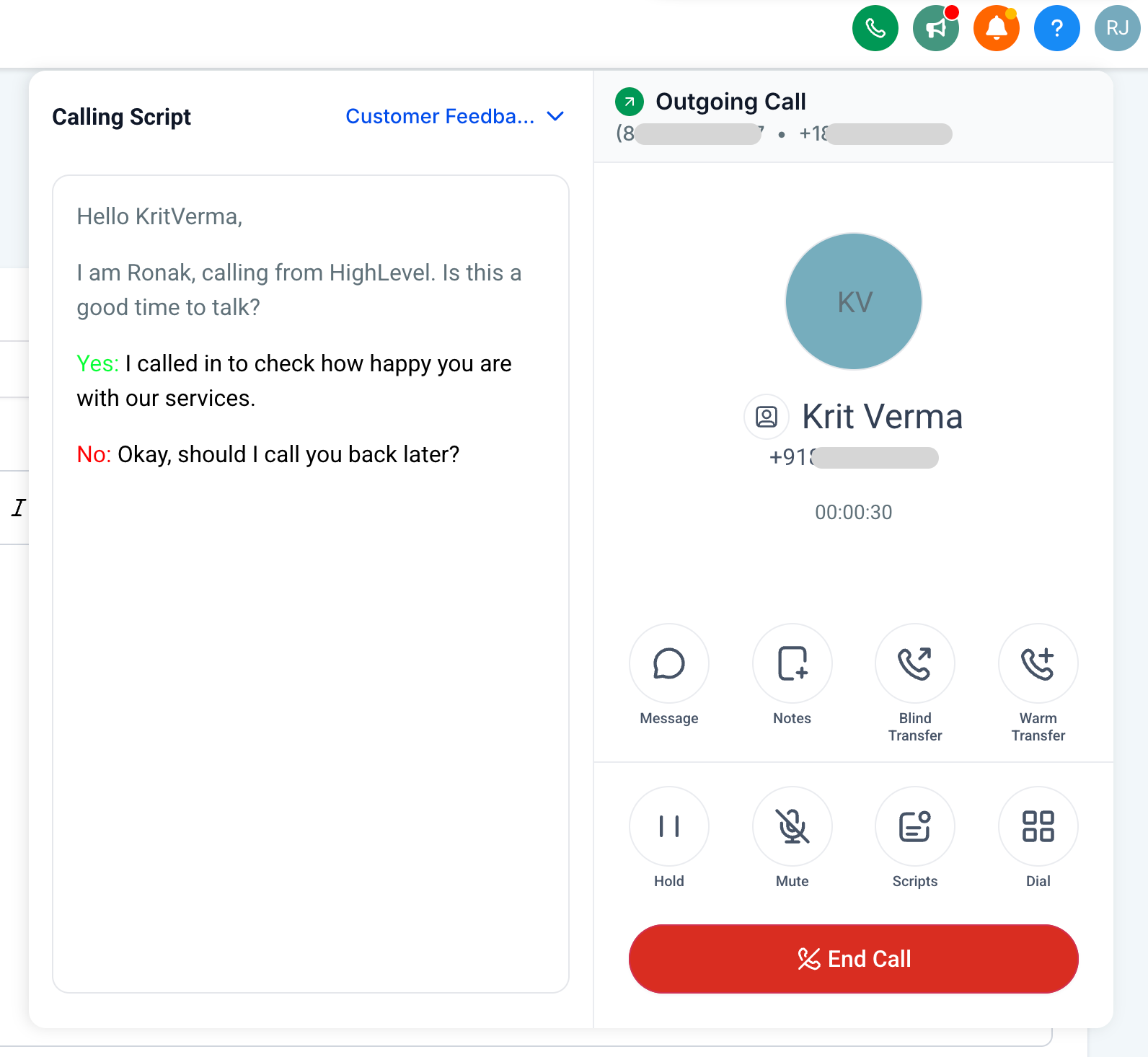
You can increase consistency and productivity of your calling agents by providing them an easy to follow Call Script right within the web dialer.
How to create a Call Script?
– Navigate to Location Settings > Phone Numbers > Advanced Settings > Call Scripts
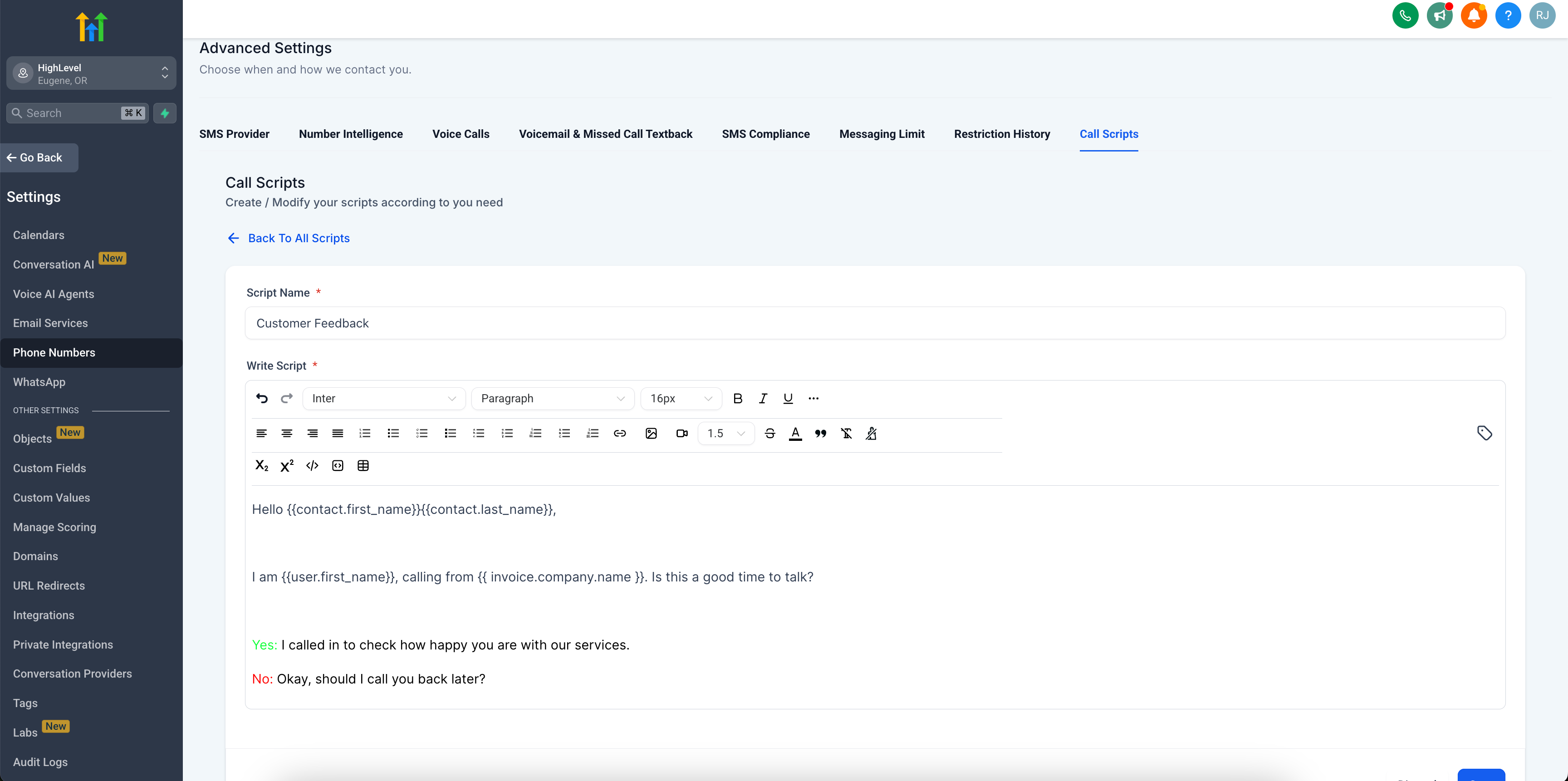
Only Agency Owners, Admins and Subaccount Admins can create Call Scripts. Non-admins can’t create Call Scripts but they can use it when on a call.
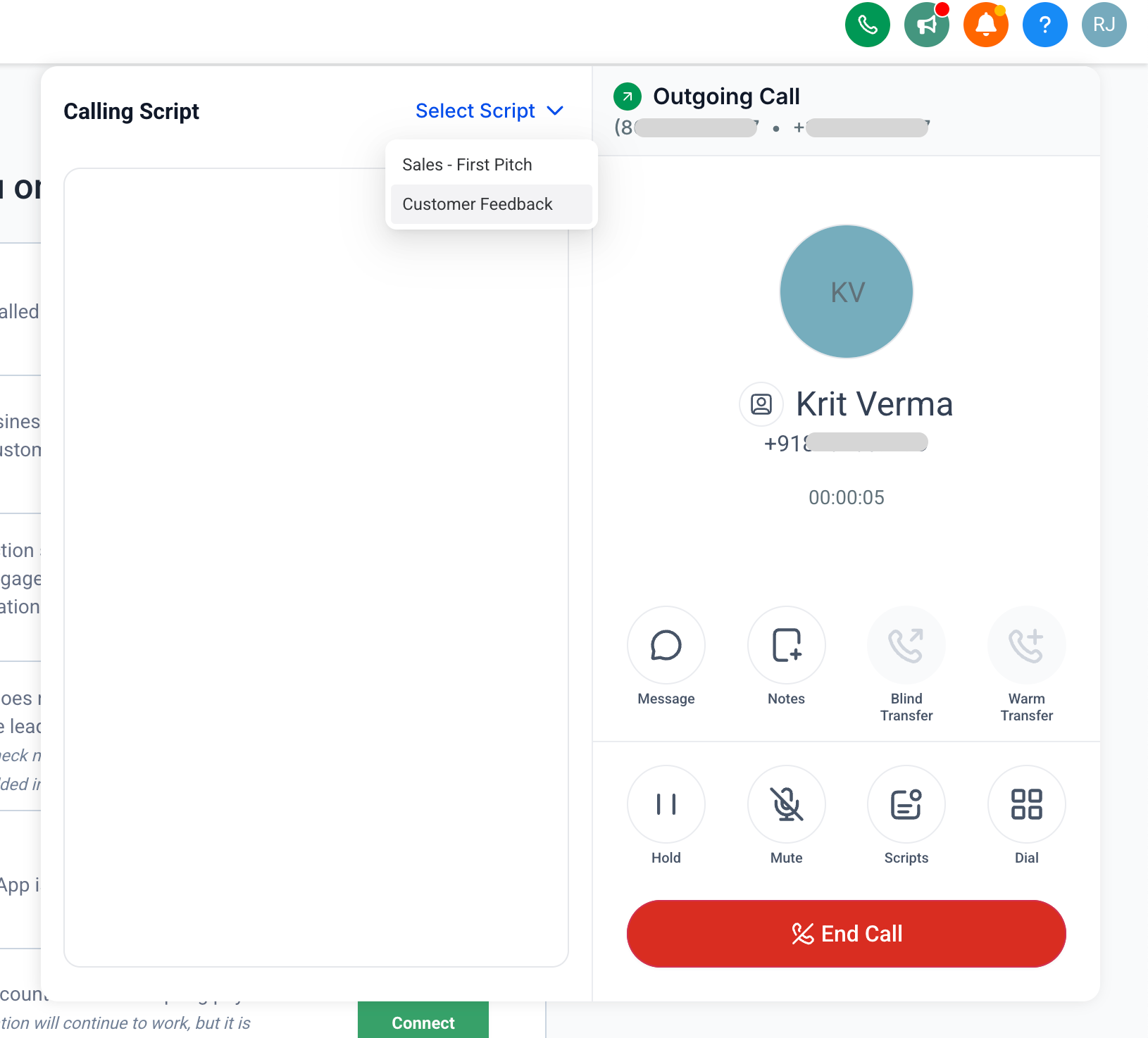
How to use Call Scripts?
– Make a call using the web dialer
– Click on Scripts
– Select Script
Availability
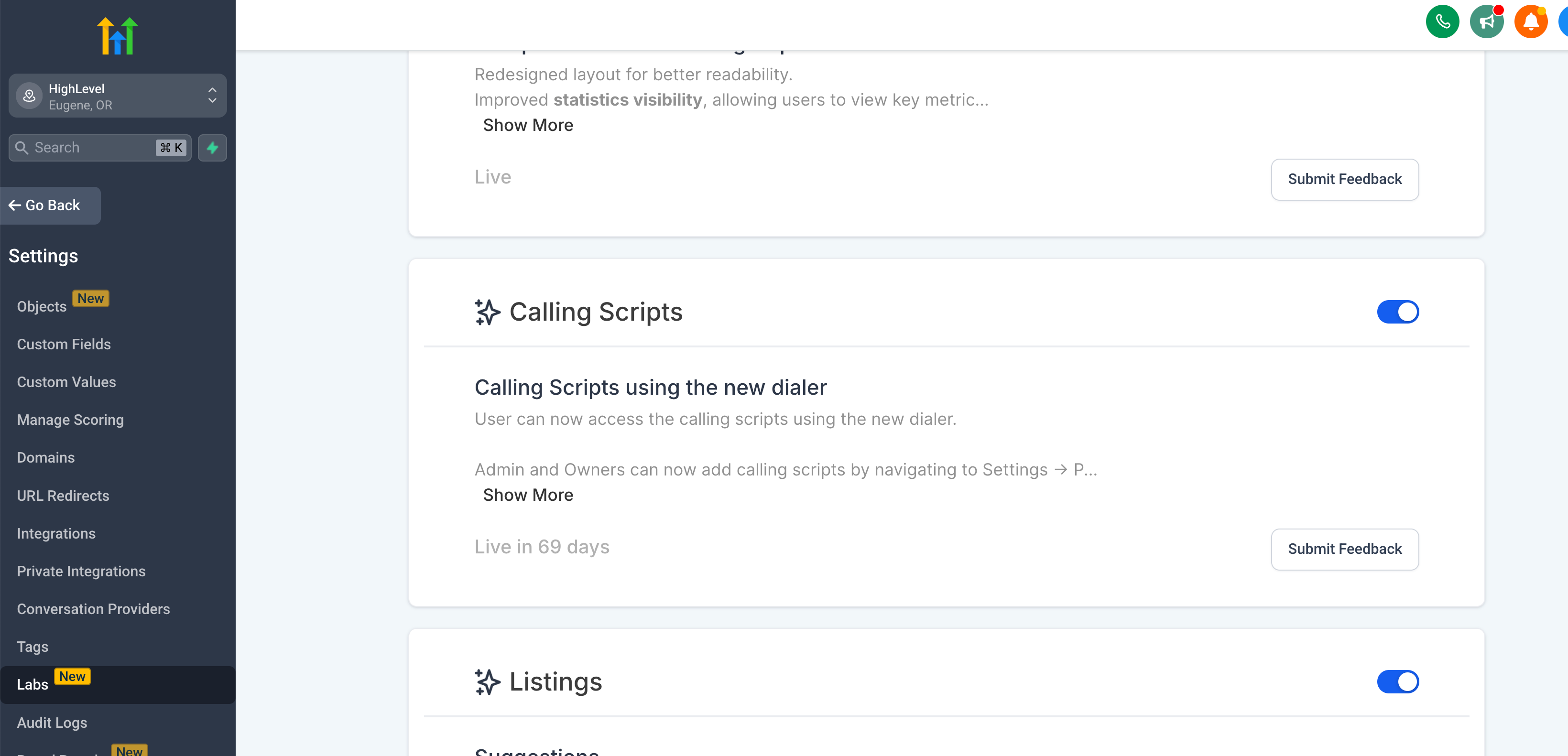
This is available via Labs right now. Enable it within Location Settings > Labs > Call Scripts
Device Support
This works on the web dialer currently. Mobile app support coming soon.
Currently, you can’t link the Call Scripts to a workflow, user or opportunity. Share what you think is most needed on the Ideas board and we will work on it: https://ideas.gohighlevel.com