
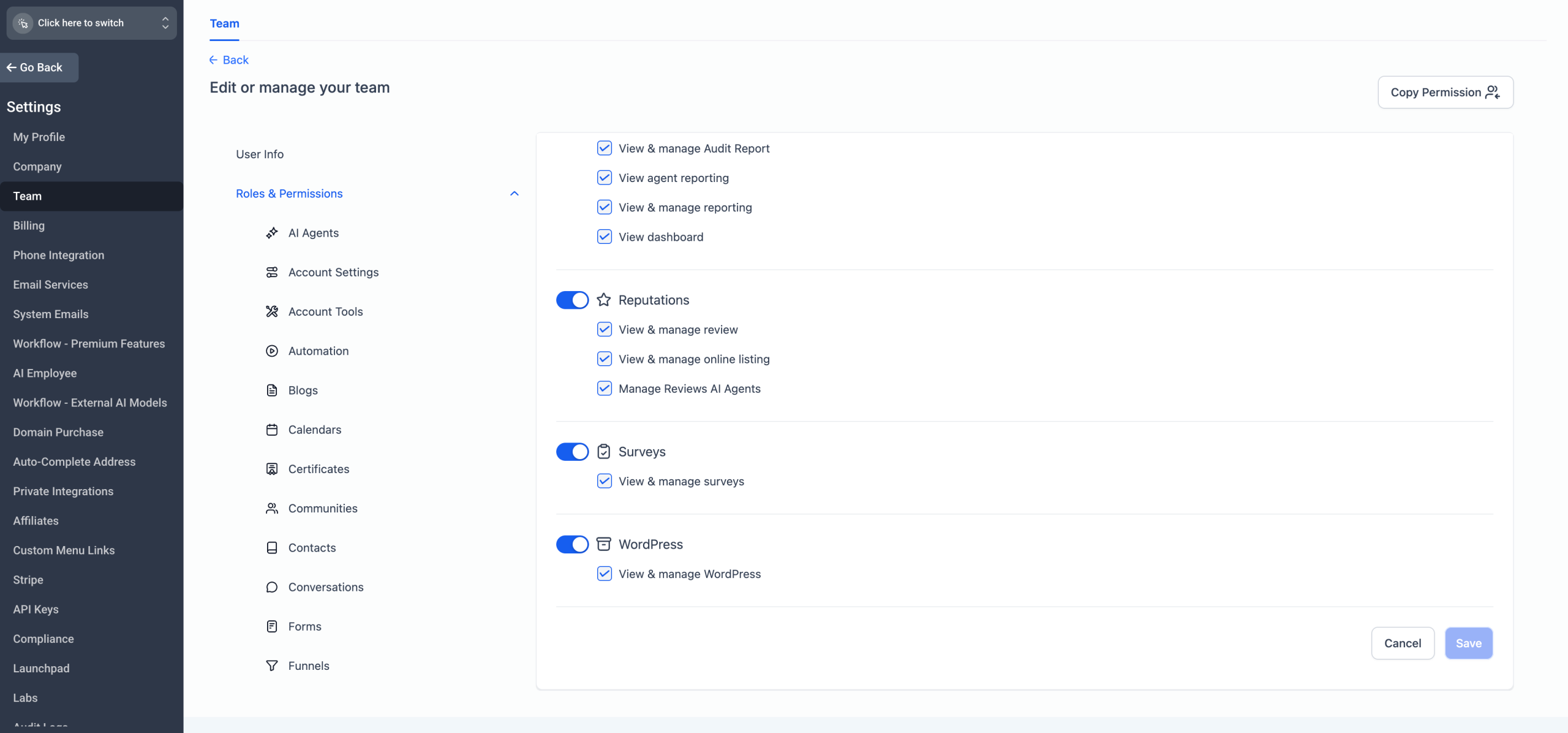
We’ve updated Review AI Agent permissions to give more control to locations while keeping agencies in charge. Now, locations can create and edit their own Review AI Agents — but it’s disabled by default, so agencies can choose who gets access.
✨ What’s New?
– Locations can now manage Review AI Agents if enabled by the agency.
– Default behaviour: disabled for locations — previously, only agencies could see and edit agents.
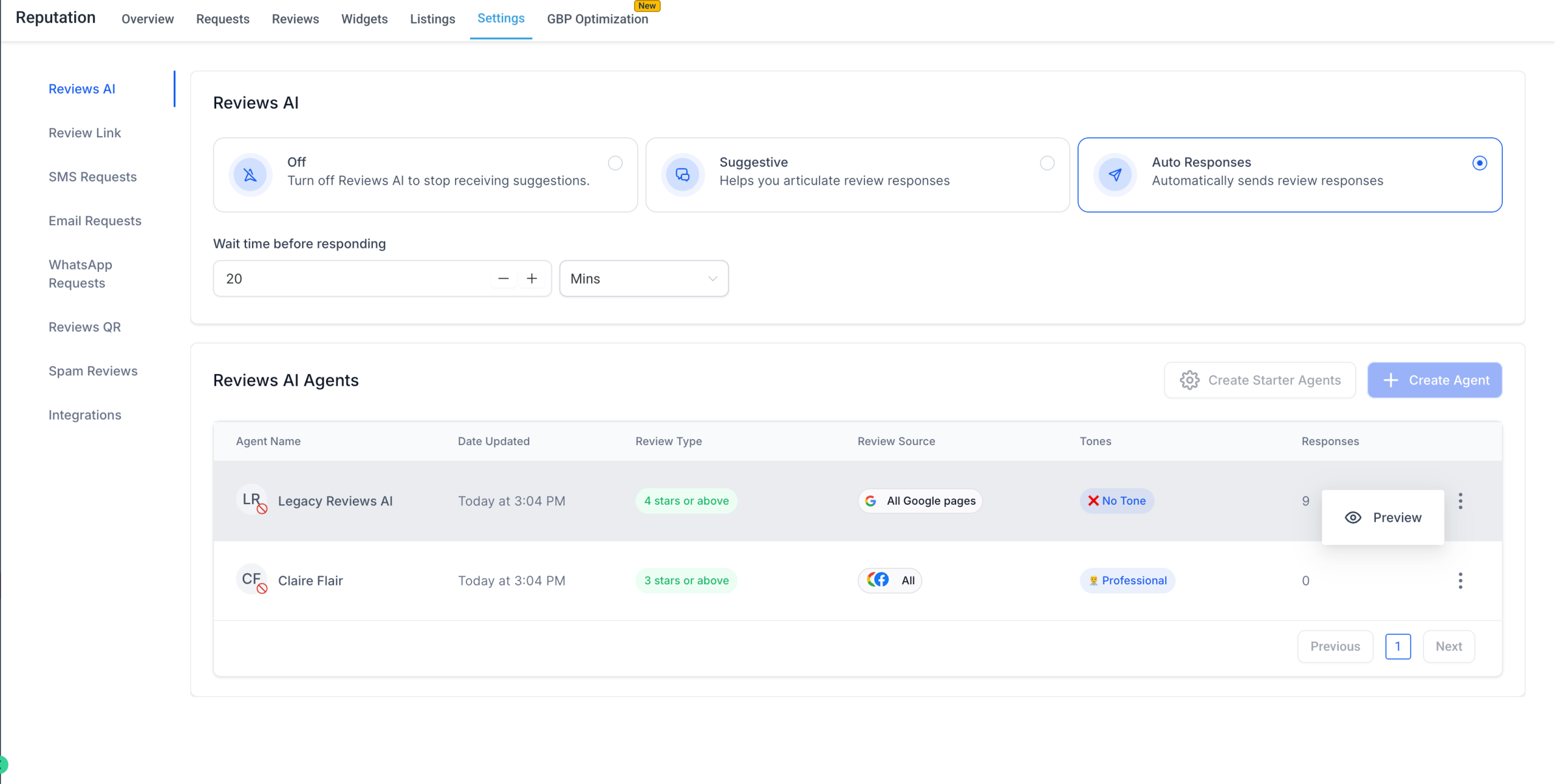
– Preview mode remains for locations with no access: view settings and prompts without editing.
✅ What You Can Do:
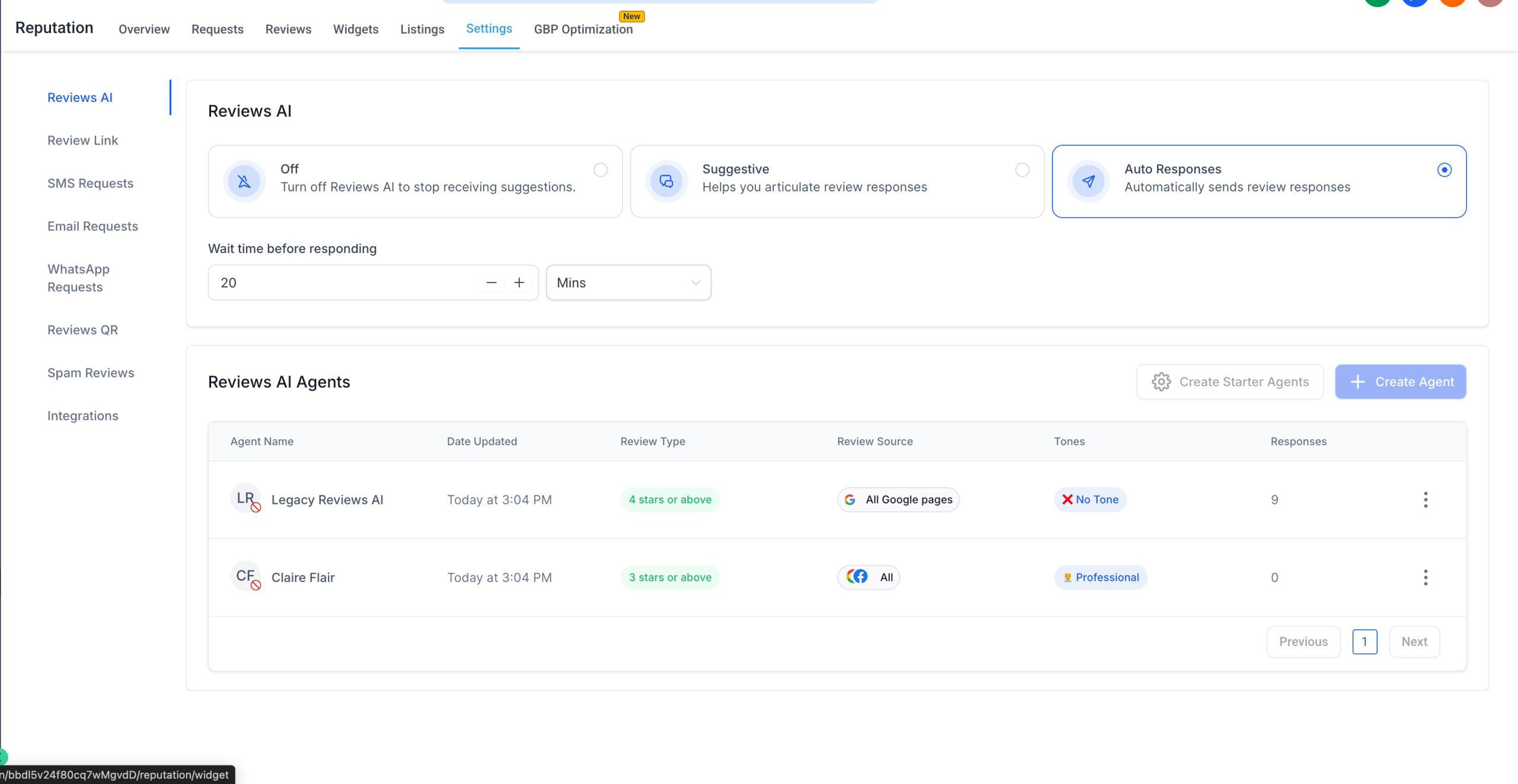
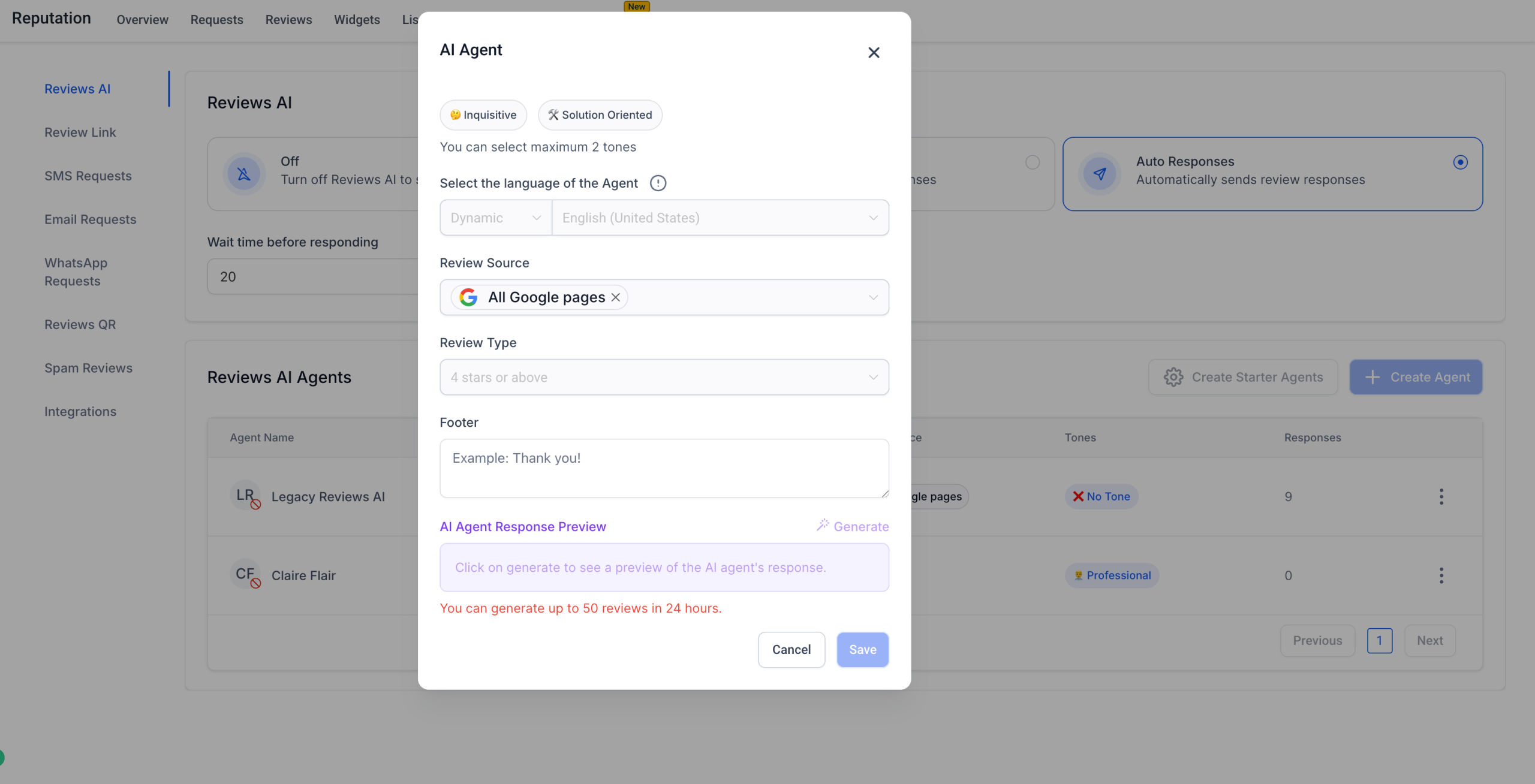
– Give location users the ability to create, edit, and manage Review AI Agents.
– Keep control flexible with a safe default.
– Preview agent settings even when edit permissions are restricted.
📍 Where to Find:
Agency Settings → Teams → User & Permissions → Manage Review AI Agents
We’re always looking to make AI-powered review management smarter and more flexible. Got ideas or suggestions?
Drop us a line at our ideas board or write to us at [email protected] or [email protected] — we’d love your feedback! 🙌