
4th of August, 2025
Increase Call Answer rates by calling contacts from the same area code automatically
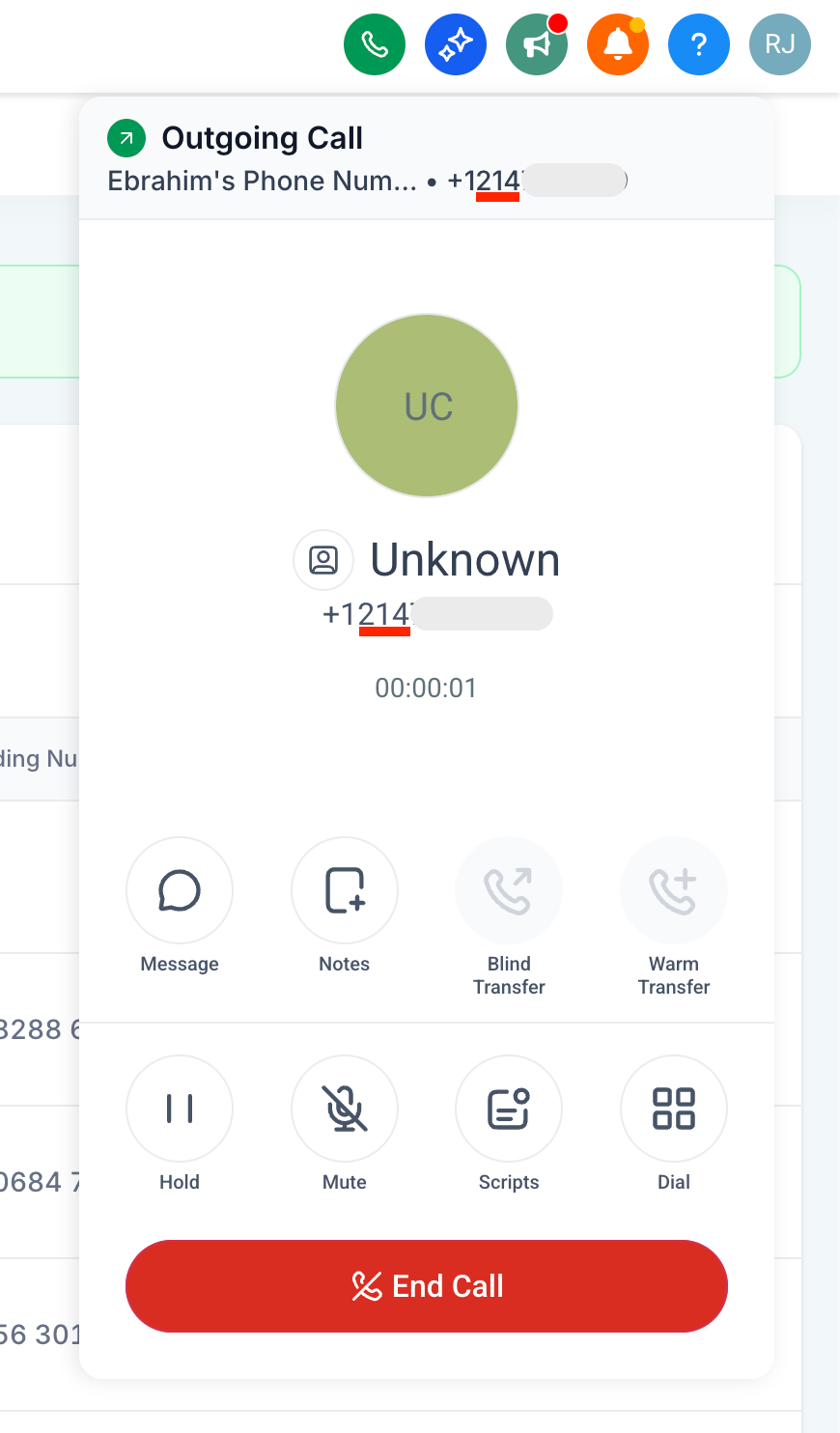
– Calling someone in Dallas, Texas (area code of Dallas is 214)
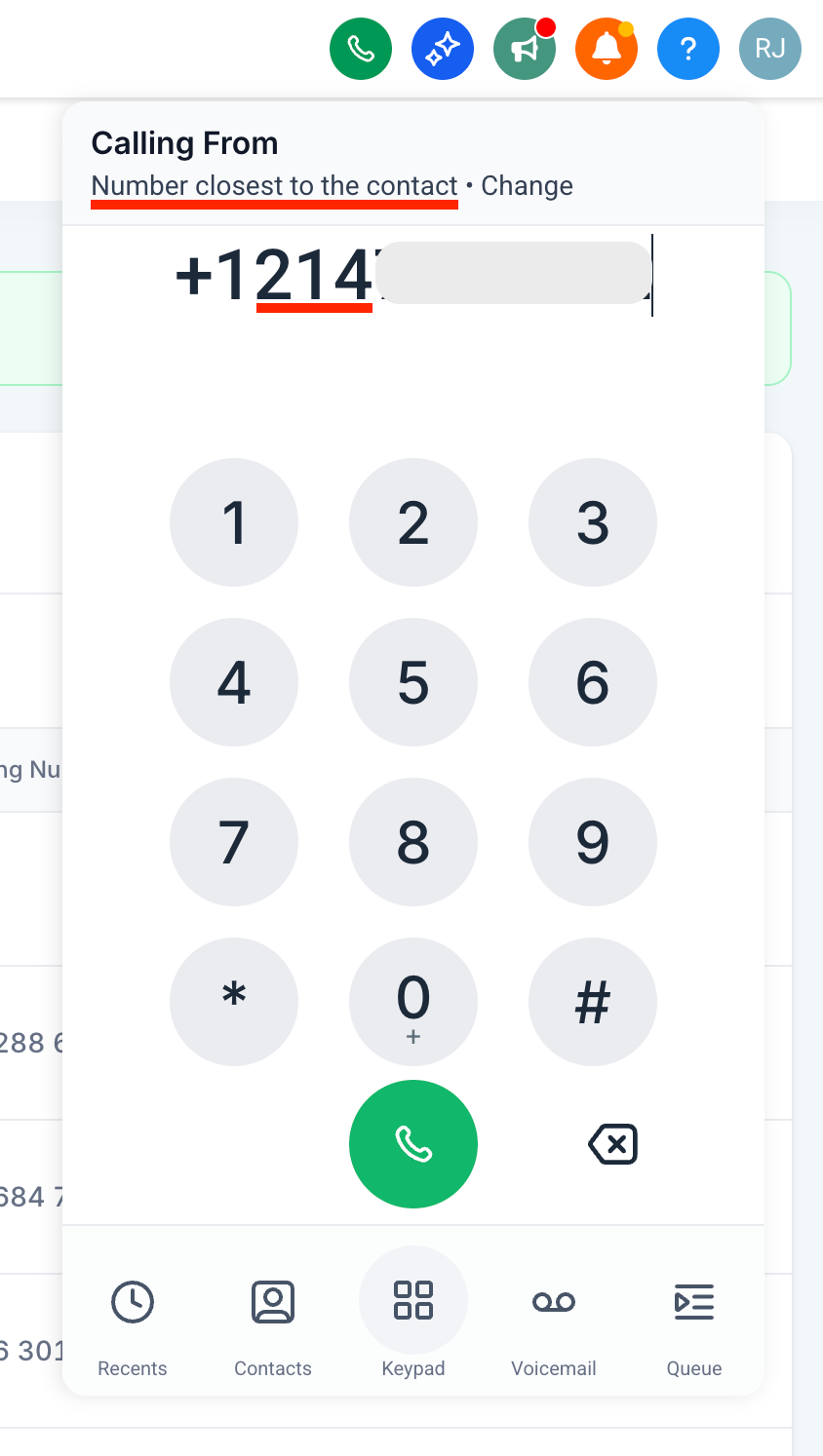
Automatically uses a number from Dallas (if available)
– Calling someone with area code 888
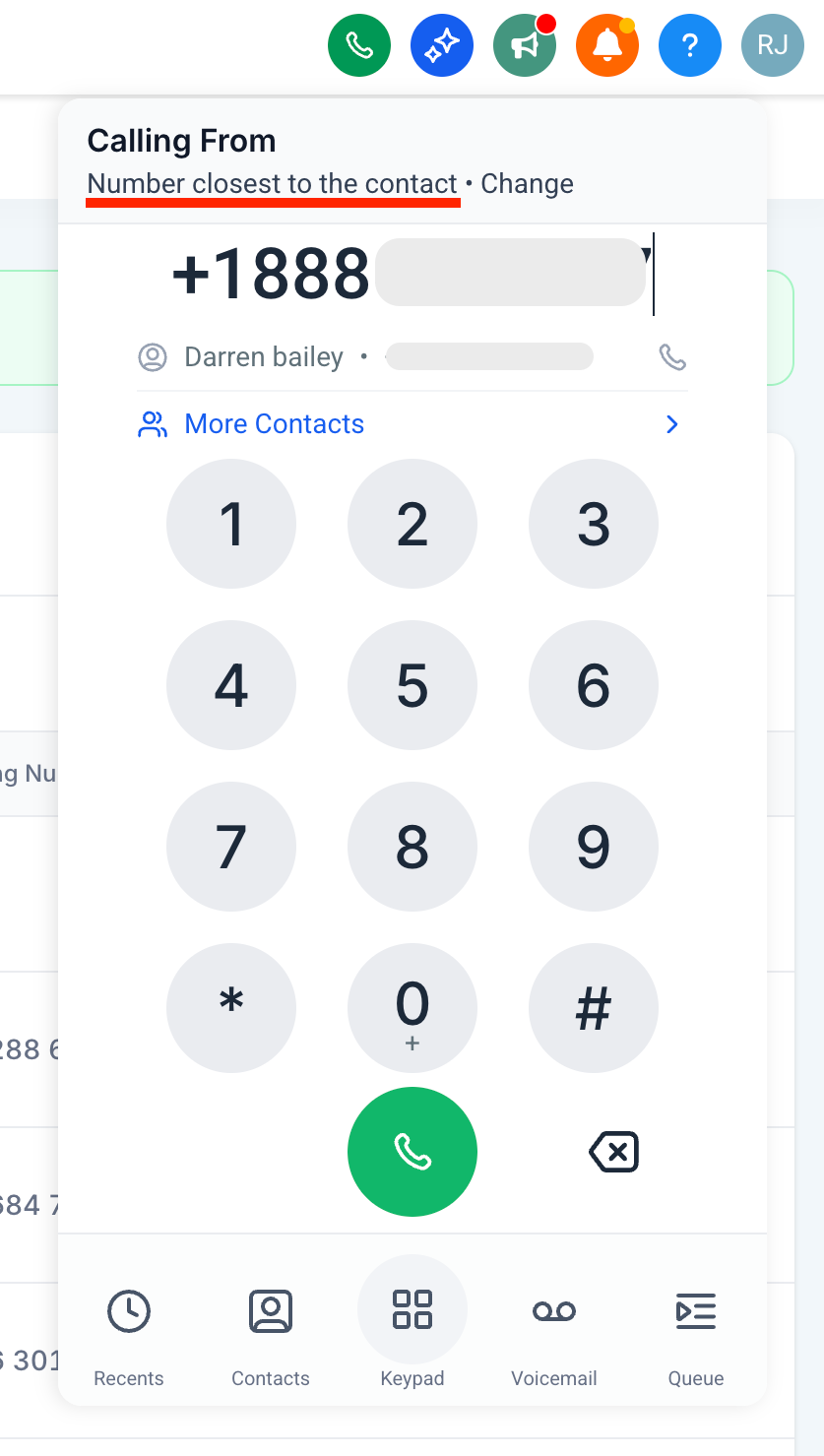
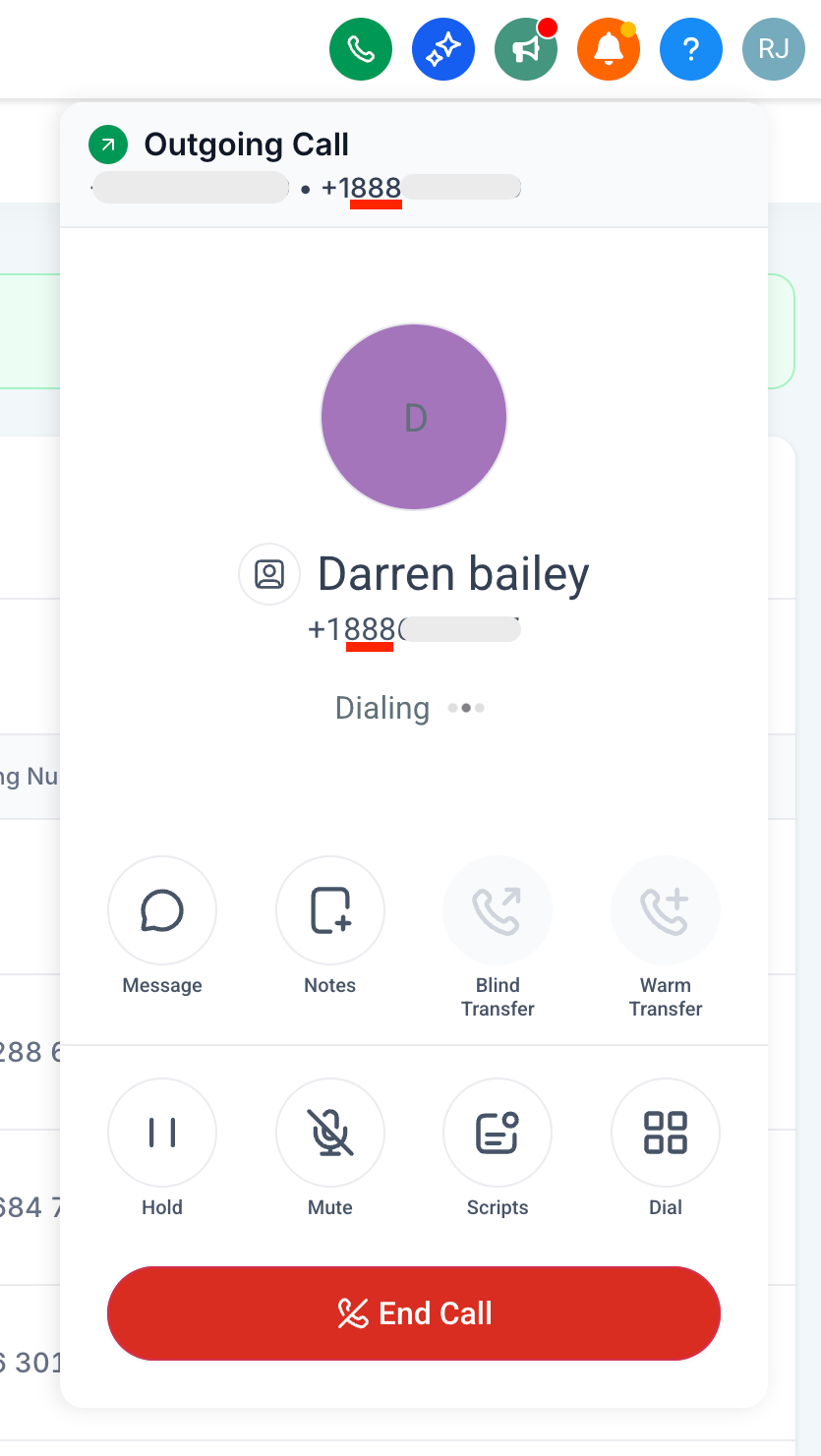
Of all the phone numbers available, call from the phone number with the same area code as the contact automatically; increasing trust and increasing chances of the call being answered.
How to use it?
– Enable the feature under Agency settings > Labs > Sub-account tab
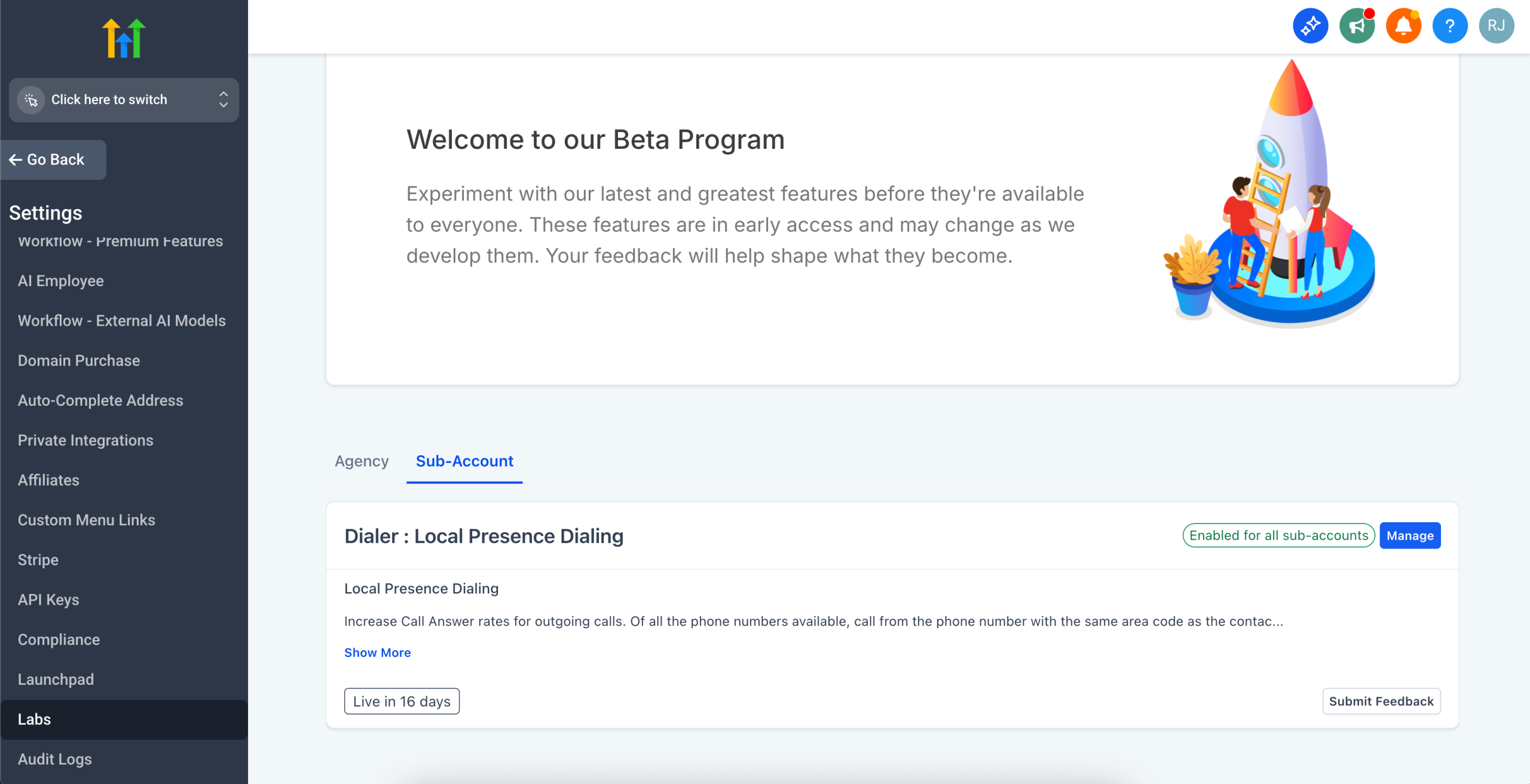
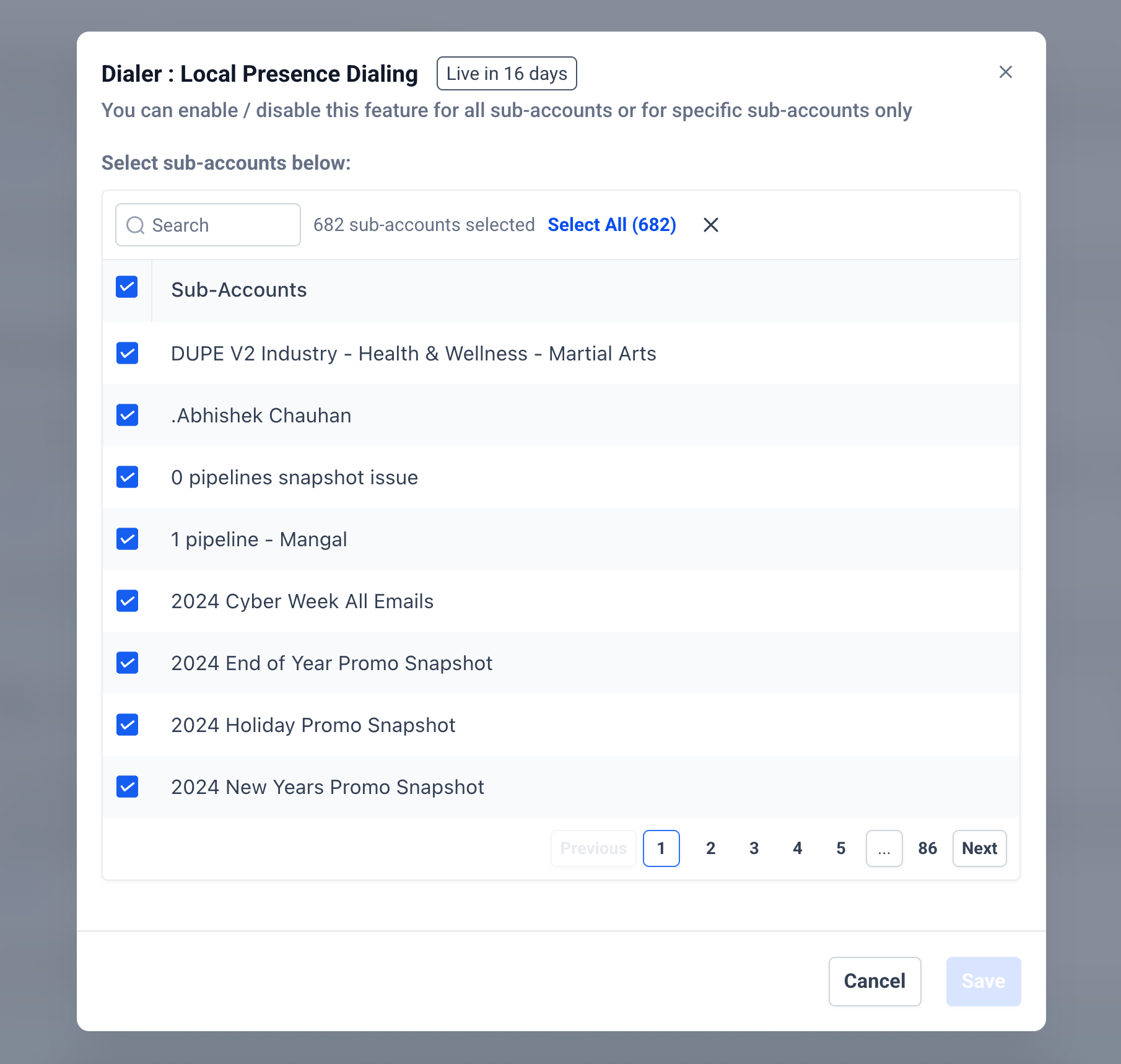
– Go to Sub-account settings > Phone Numbers > Advanced Settings > Voice Calls > Outbound Call > Default Phone Number for Outbound Calls
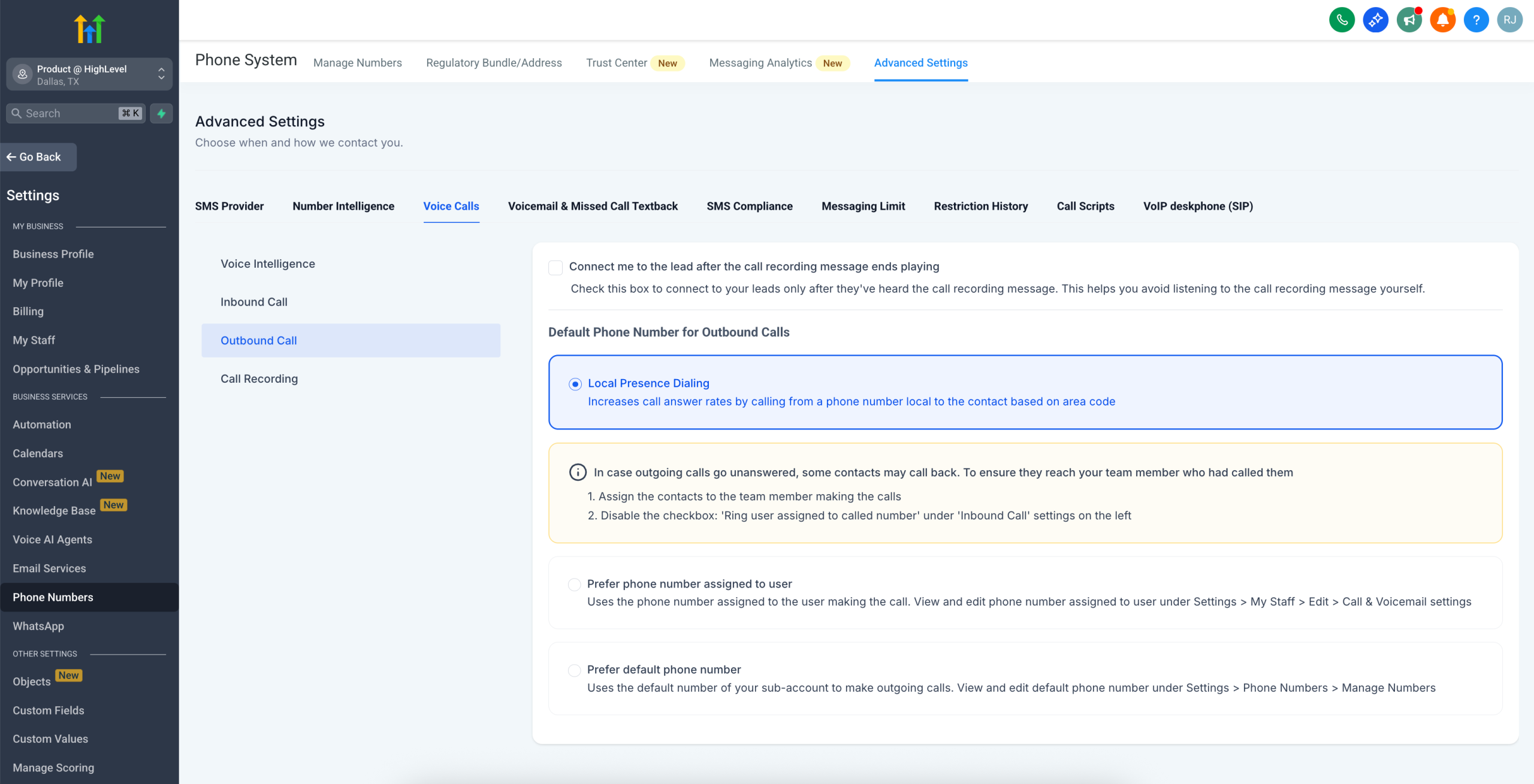
– Choose Local Presence Dialing
Notes
– Supports all area codes of a region: If calling a contact with area code 241 in Dallas, you do not have a phone number with area code 241. But you do have a Dallas number with area code 972, the 972 number will be used to make the call
– Sub-account’s default phone number is used as the backup in case no phone numbers matches the region
– Supports USA/Canada only
– Supported only on Web currently. Mobile App support coming soon