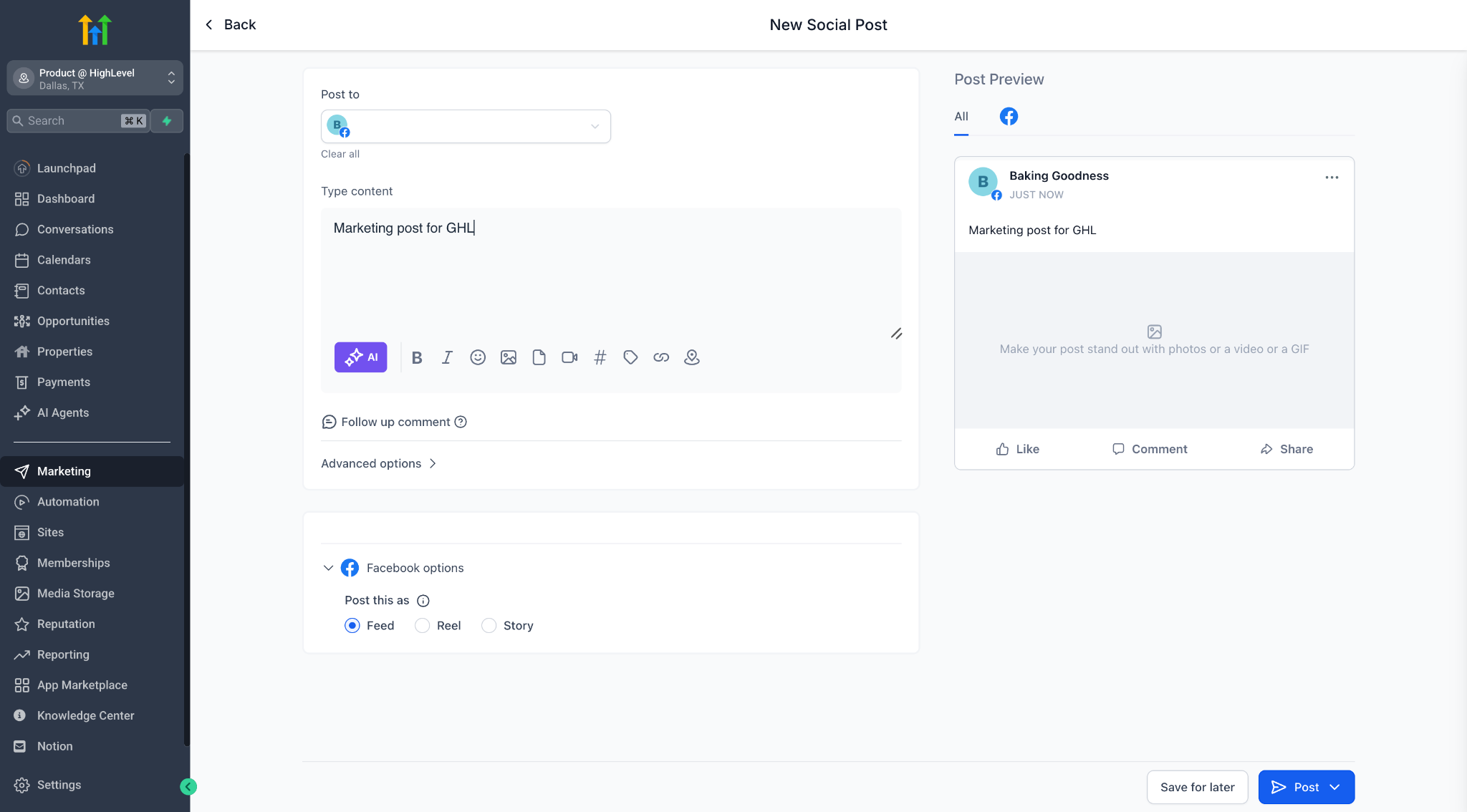
Say hello to a smarter, more flexible way to refine your content — with Ask AI, you can now edit any text using natural language instructions.
🔧 What’s New?
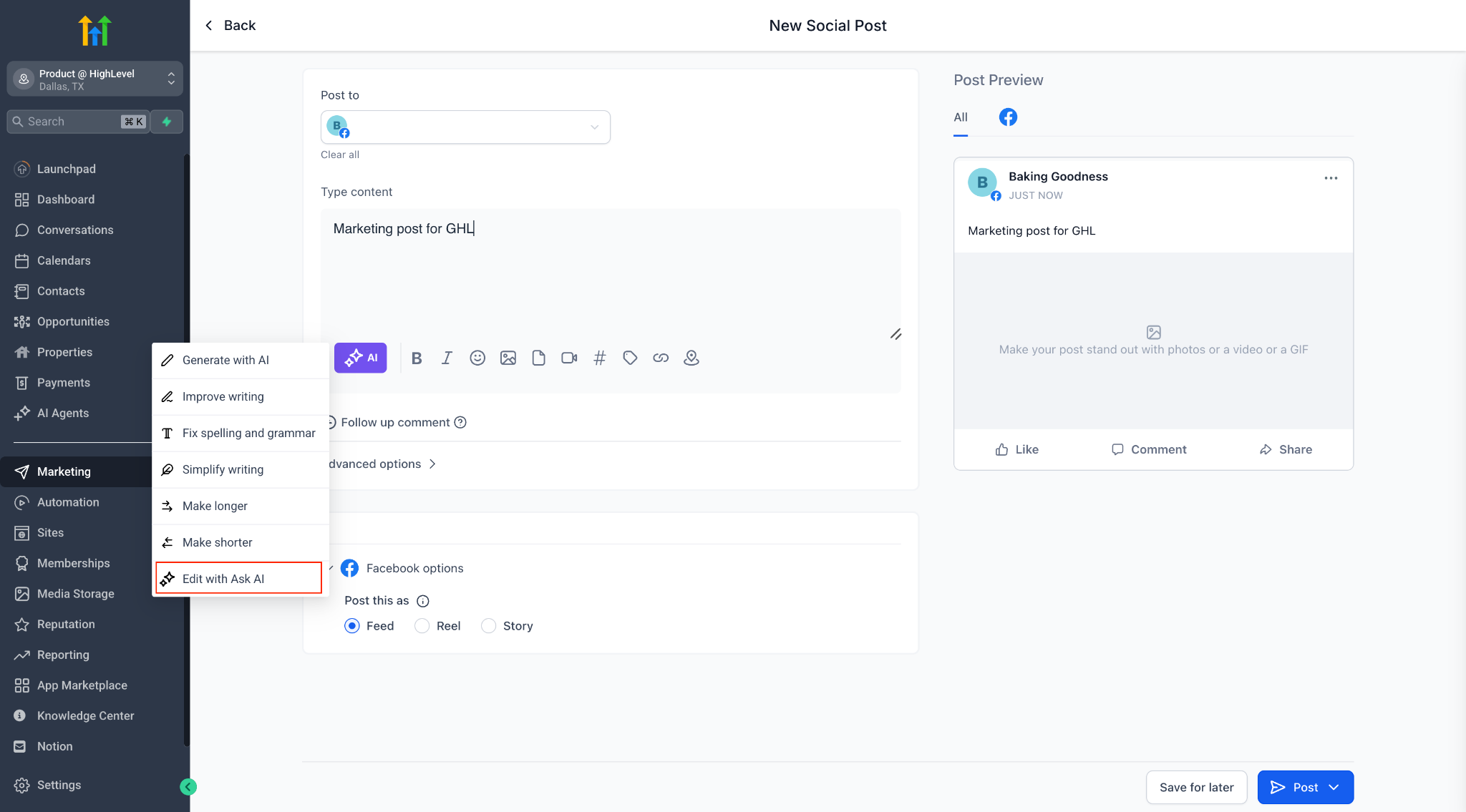
Introducing a new quick action: “Edit with Ask AI”
This lets you:
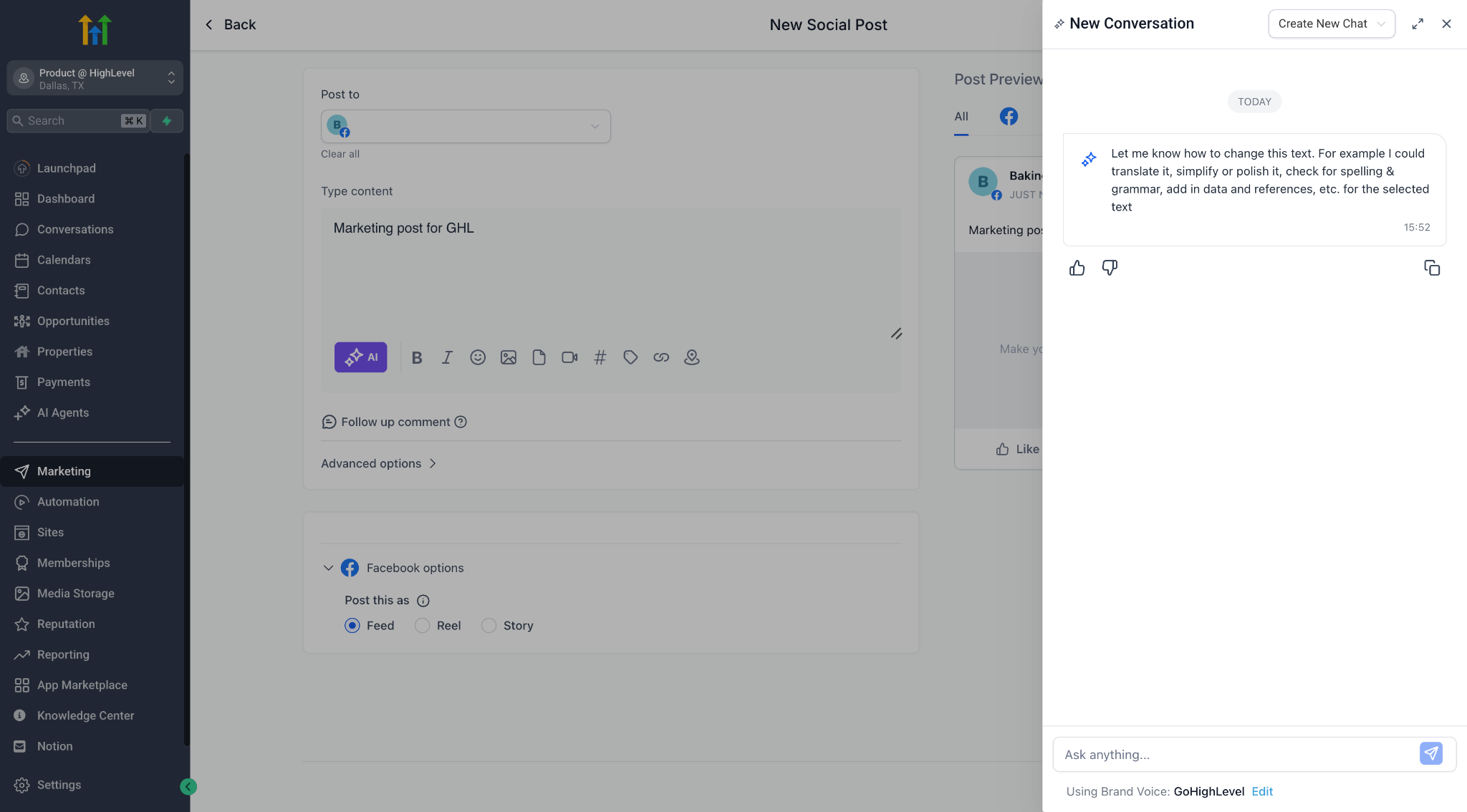
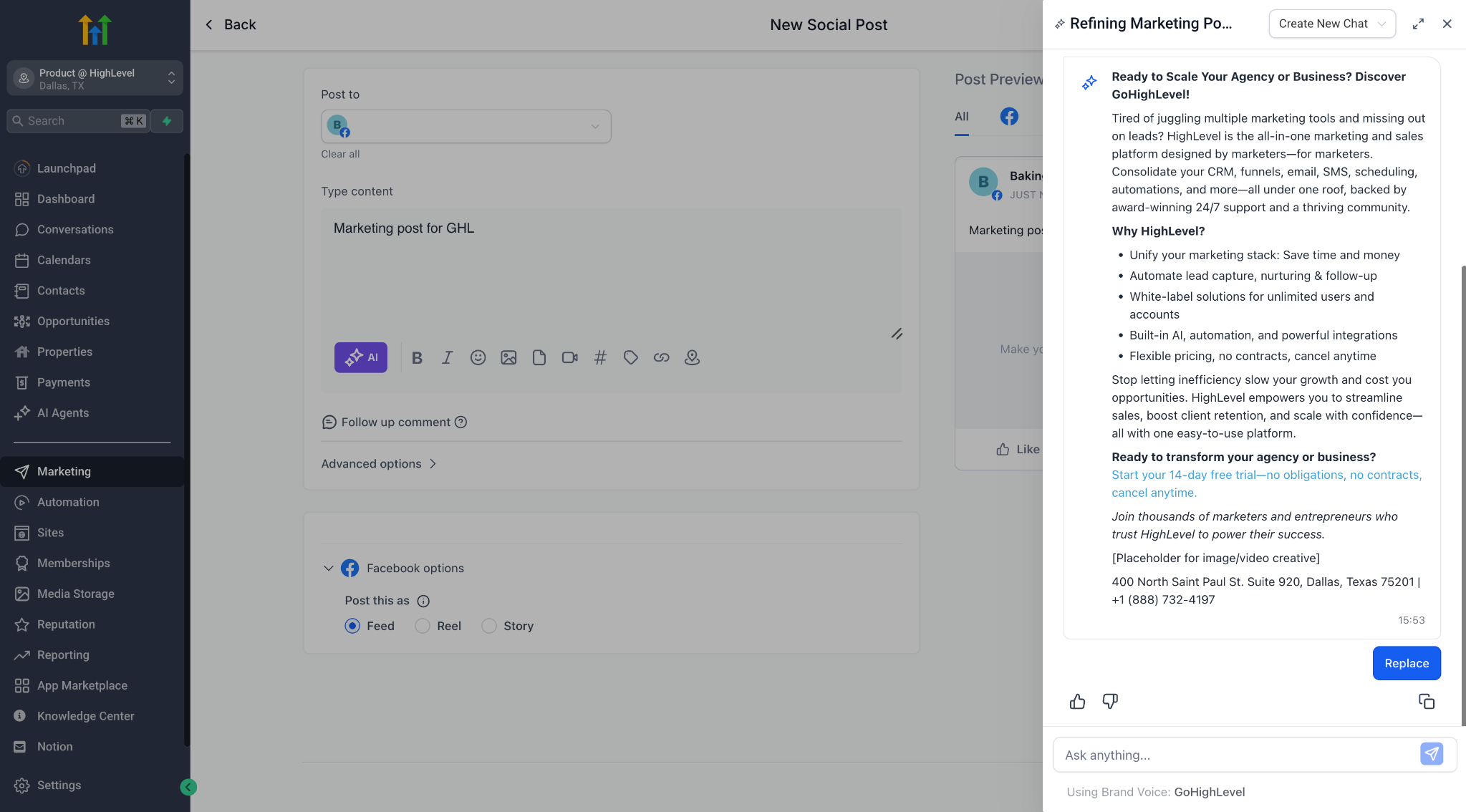
– Edit content in a freeform, chat-style flow
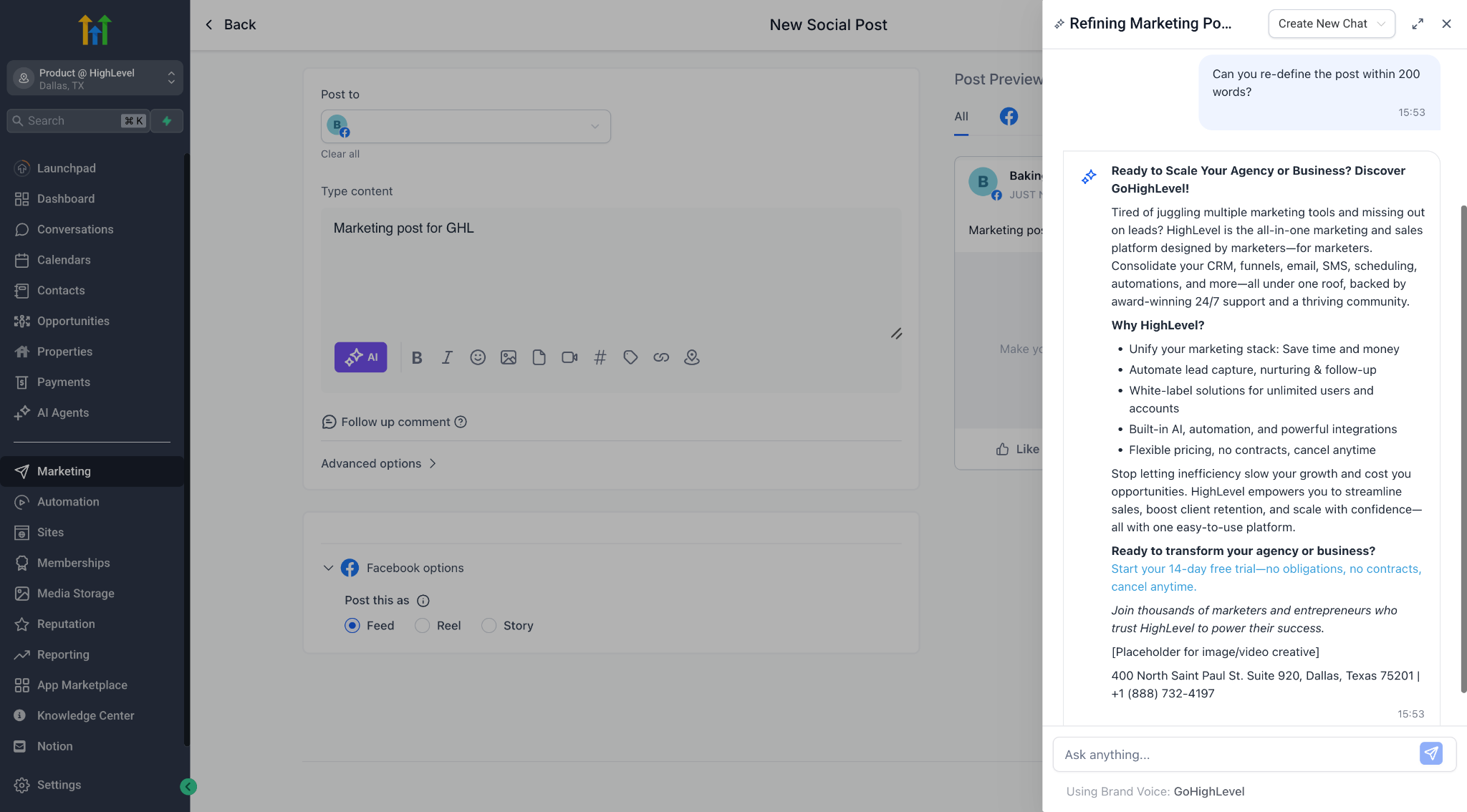
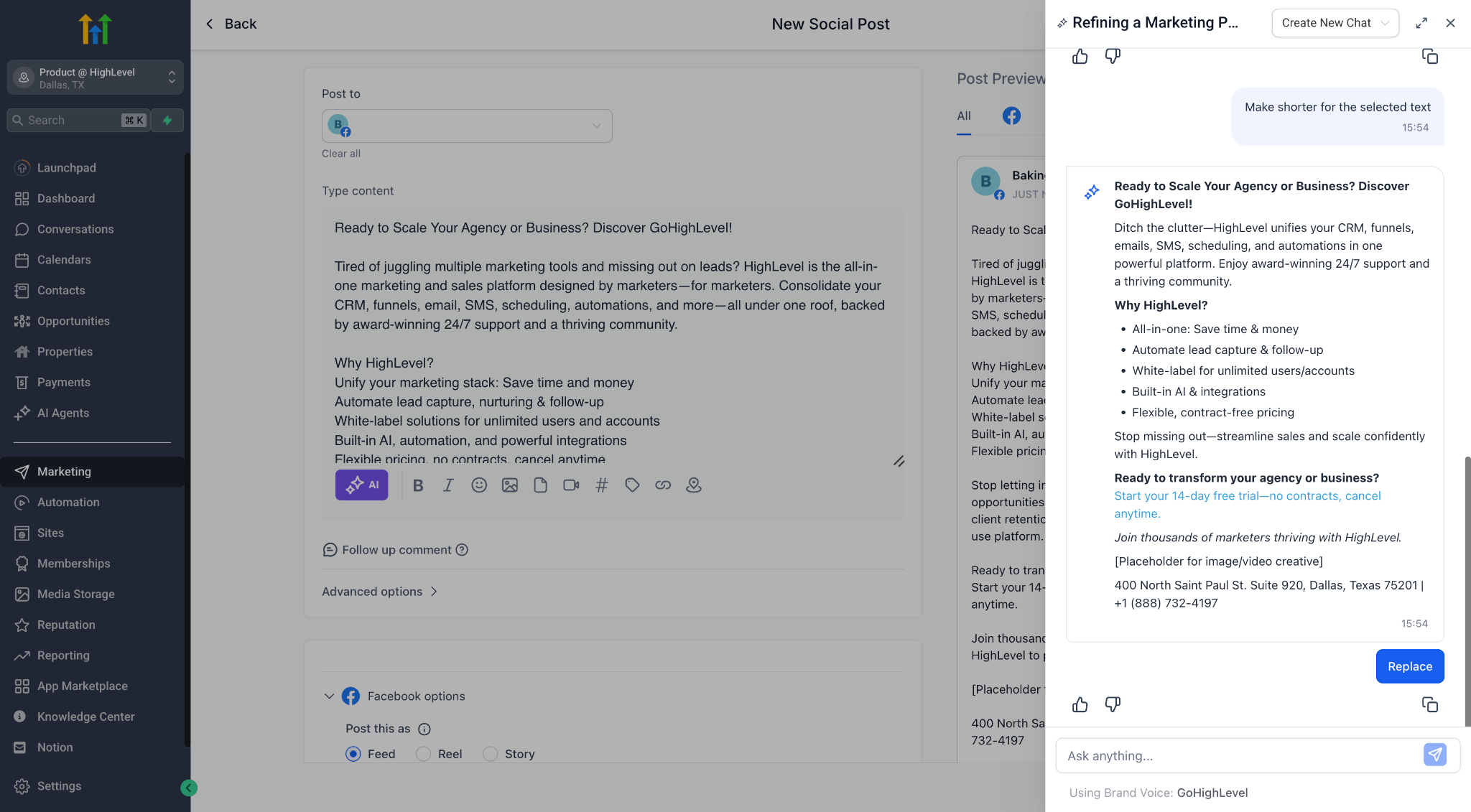
– Ask AI to rewrite, simplify, polish, shorten, expand, or more.
– Preview each edit, iterate with follow-ups, and only apply when you’re satisfied
– Retain your original brand voice and generation context throughout the session
💡 Where You’ll See It
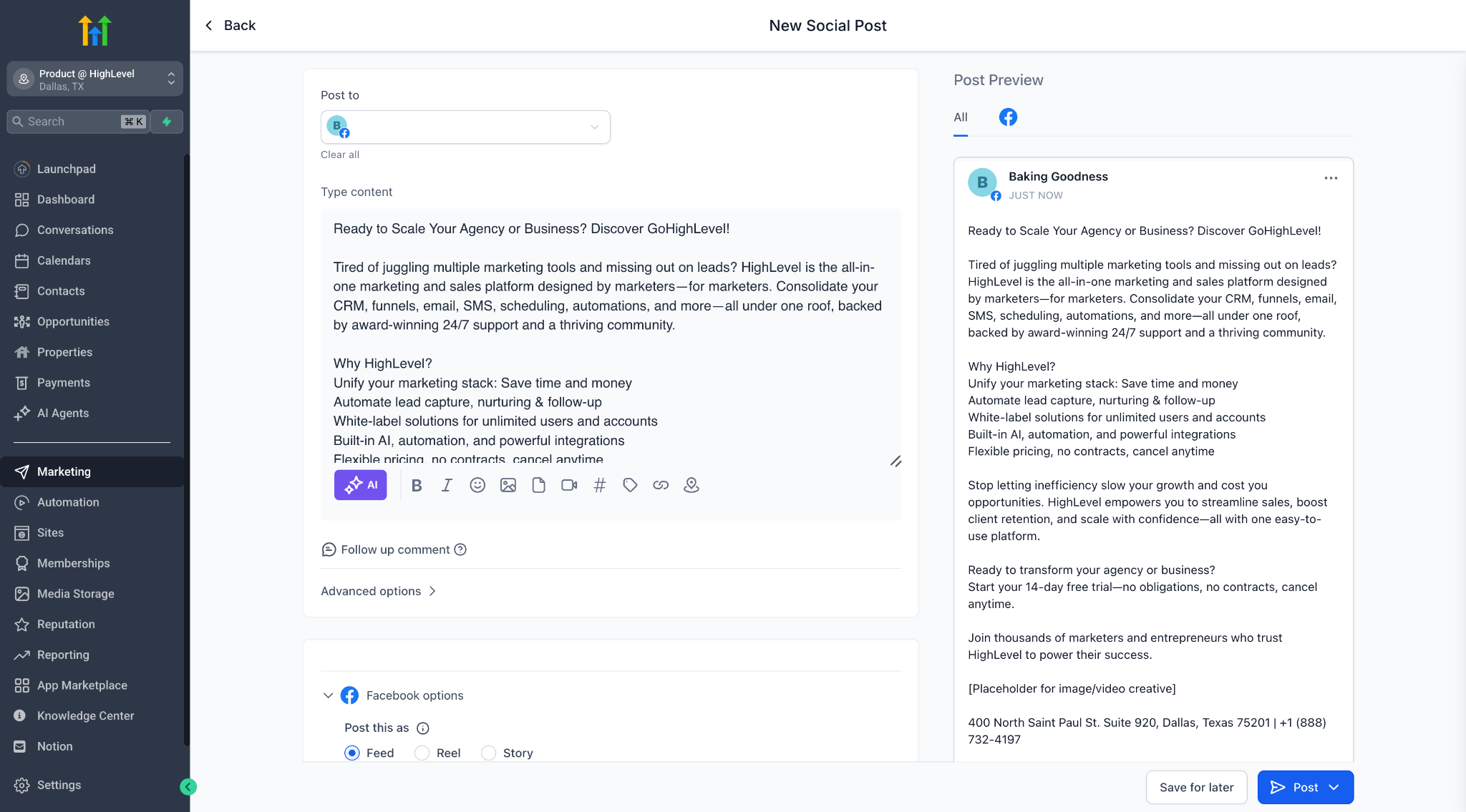
In all Content AI-enabled product areas (like Social Planner), if you have AI Employee enabled, you’ll now find “Edit with Ask AI” under the AI ✨ button
💡 How It Works
– Highlight any AI-generated content block
– Click “Edit with Ask AI” or choose any quick action from the dropdown
– Start chatting with AI about how you’d like to change it
– Use Replace to update the original, or just Copy if you want to paste elsewhere
– Your session stays intact — even if you close the editor or leave the page!
🧠 Smart Session Memory
Every editing session is saved with full context — so you can always come back and pick up where you left off. Ask AI knows which post you’re editing and resumes the same conversation.
🛡 Other Details
– No extra credits consumed — Ask AI edits are not billed
– Now live in Social Planner, coming soon to Blogs, Emails & more
Try it out and share your feedback!