19th of June, 2025
Use your physical Deskphone with AIOTB (SIP Endpoints)
– Use a VoIP deskphone that’s always connected to your CRM
– Make Outbound and Inbound calls with your Deskphone
– Blind Transfer calls to your team members
– Use call recording and transcription
– Available via Labs
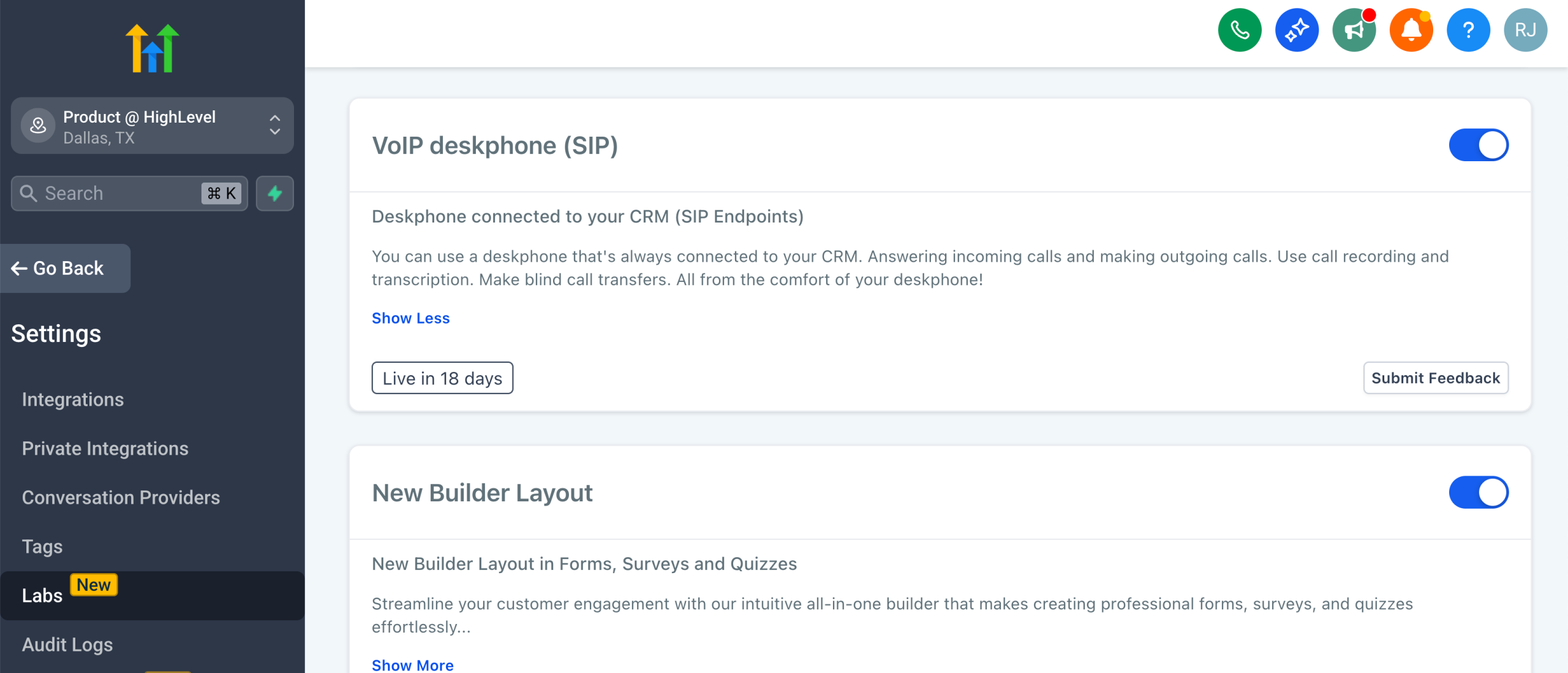
Enable via Labs:
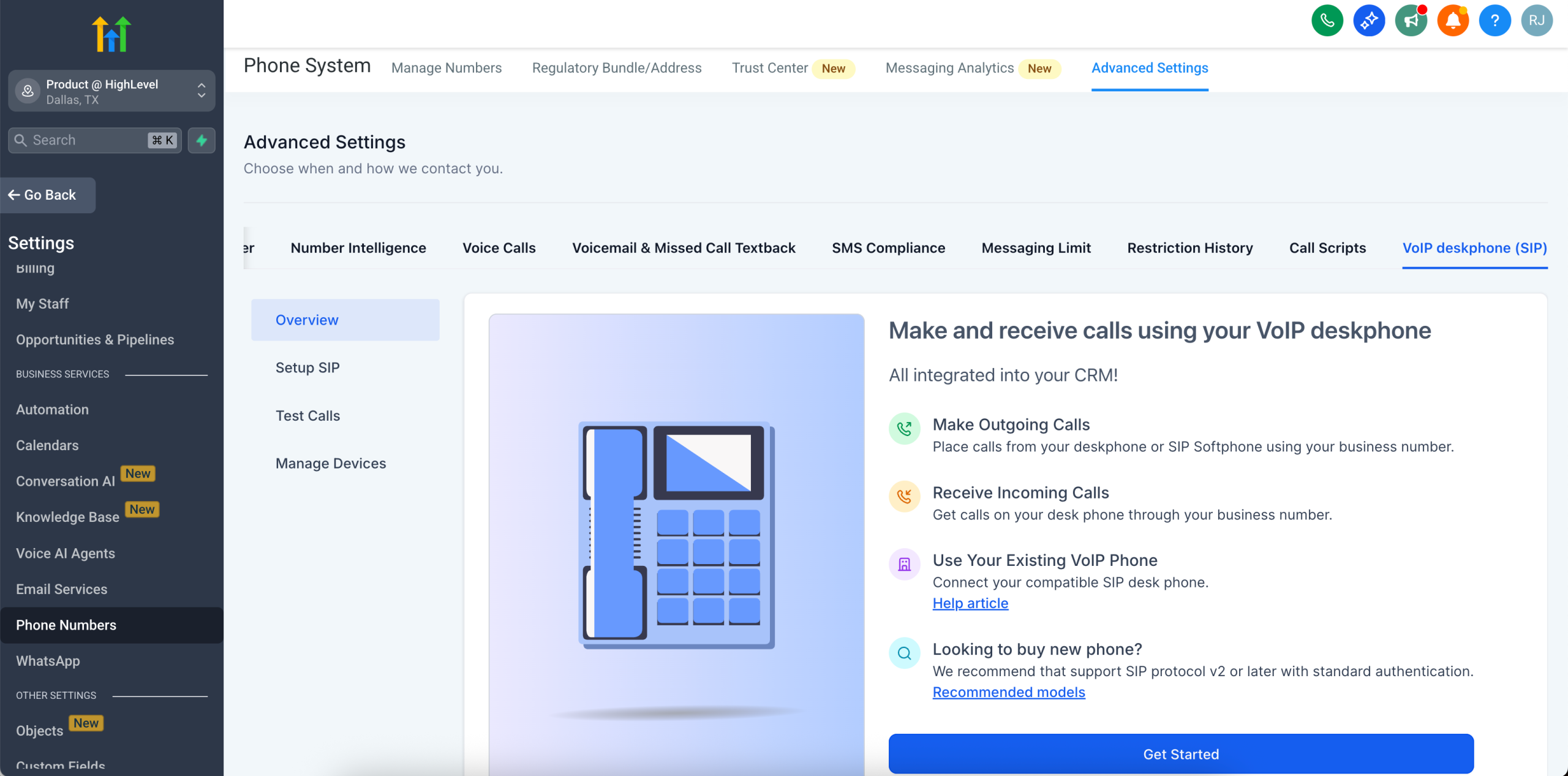
Under subaccount Settings > Phone Numbers > Advanced Settings > VoIP Deskphone (SIP):
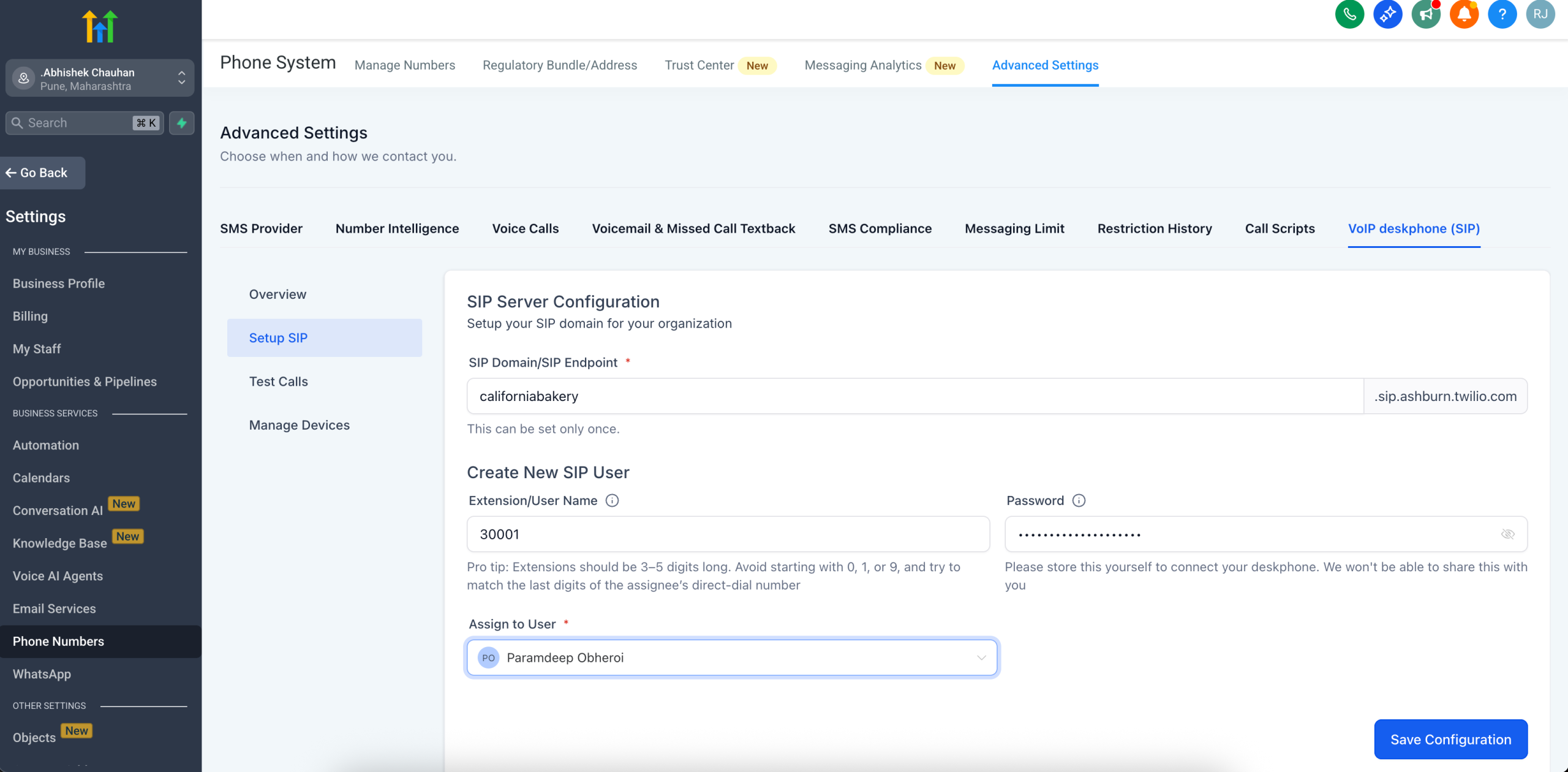
Setup a SIP user and device:
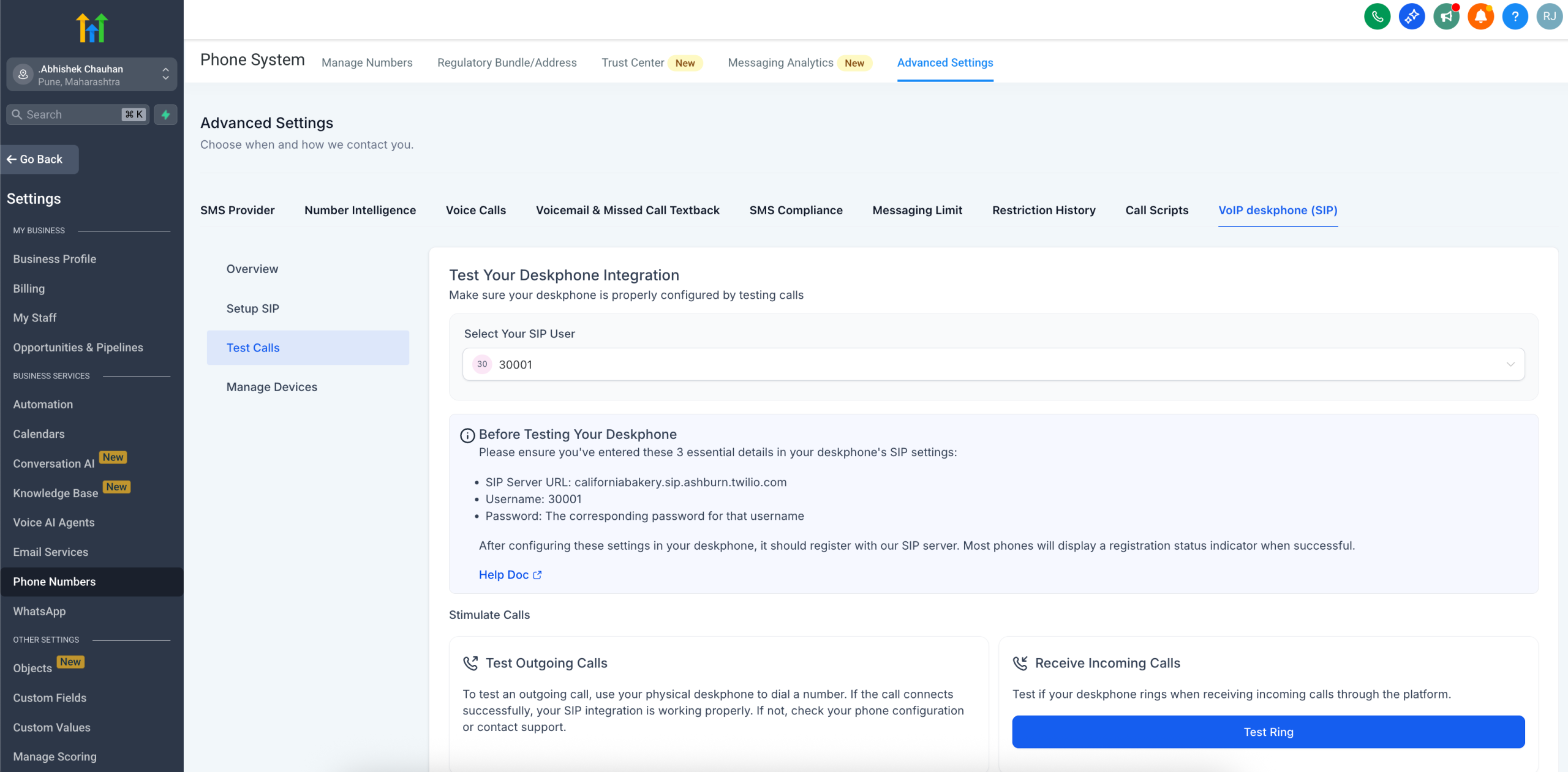
Test your Deskphone:
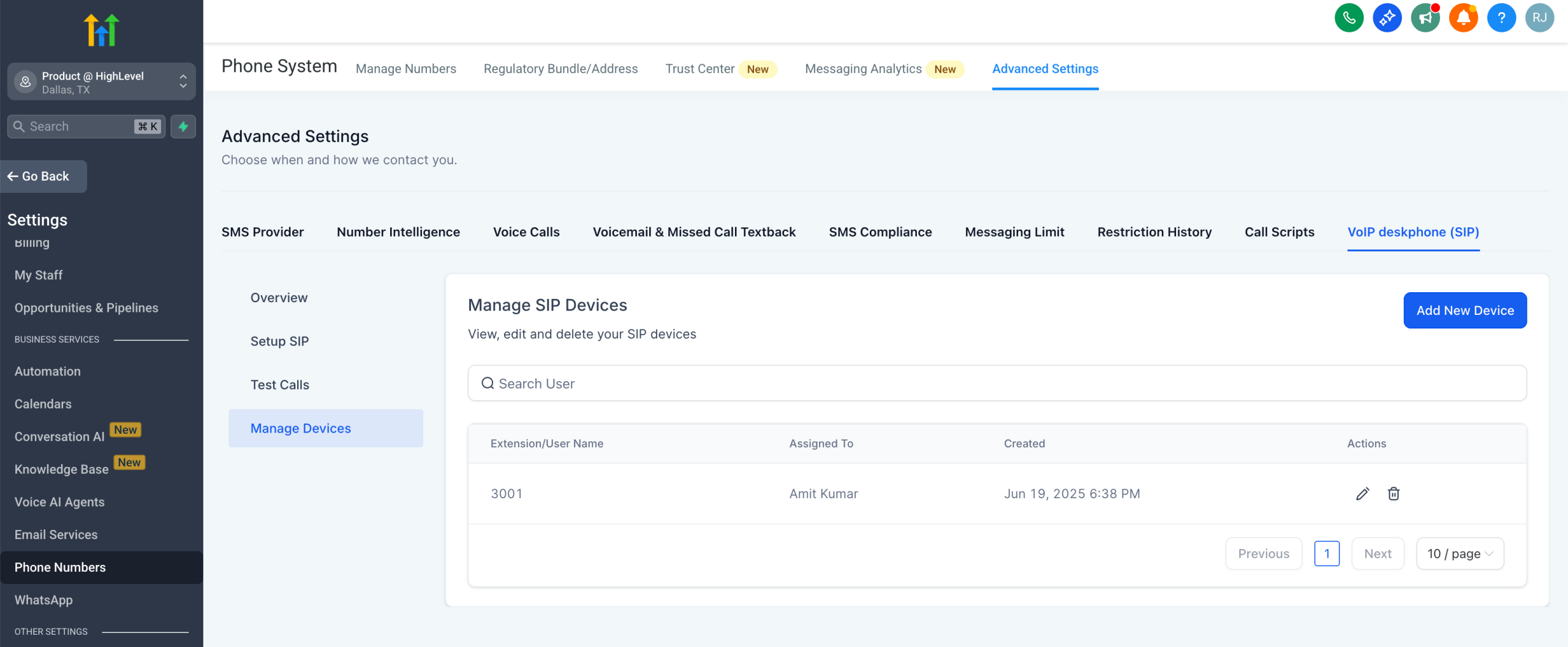
Manage SIP devices:
—
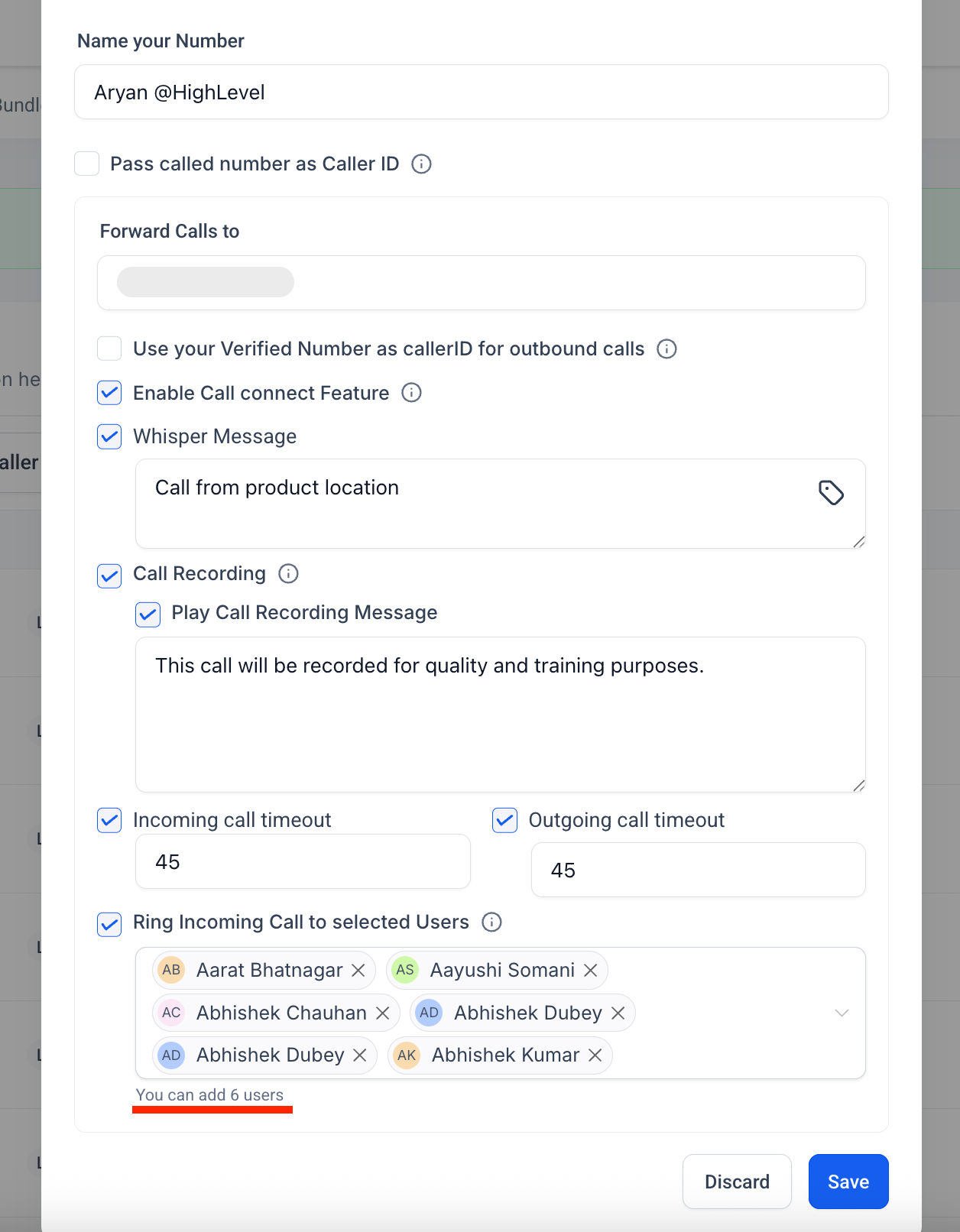
Please note, the limit for Ring all users reduces from 7 to 6 in order to make space for the VoIP deskphone.