We’ve made it easier to understand and control how Ask AI generates content for your brand.
Here’s what’s new:
✅ Brand Voice now visible
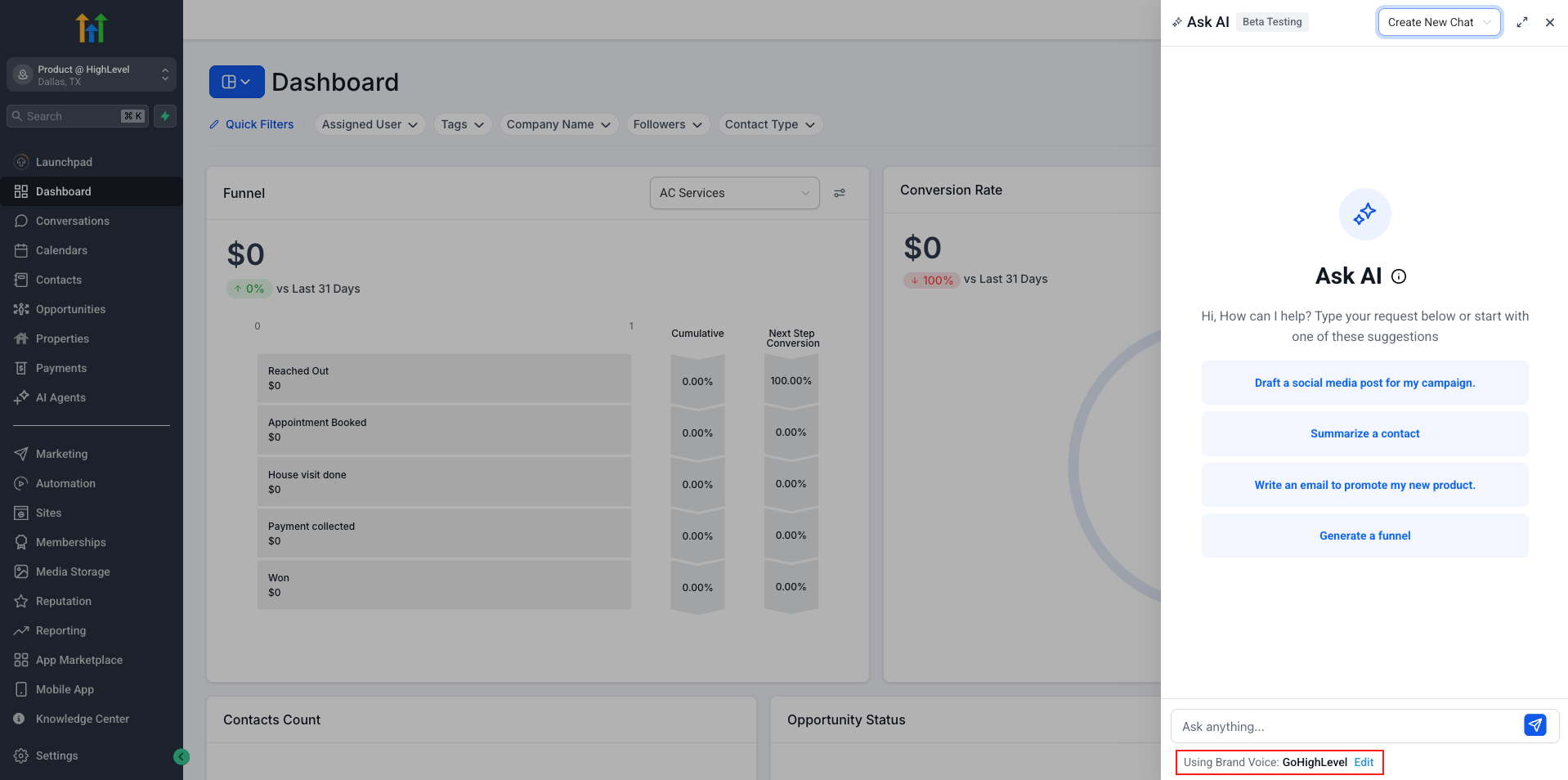
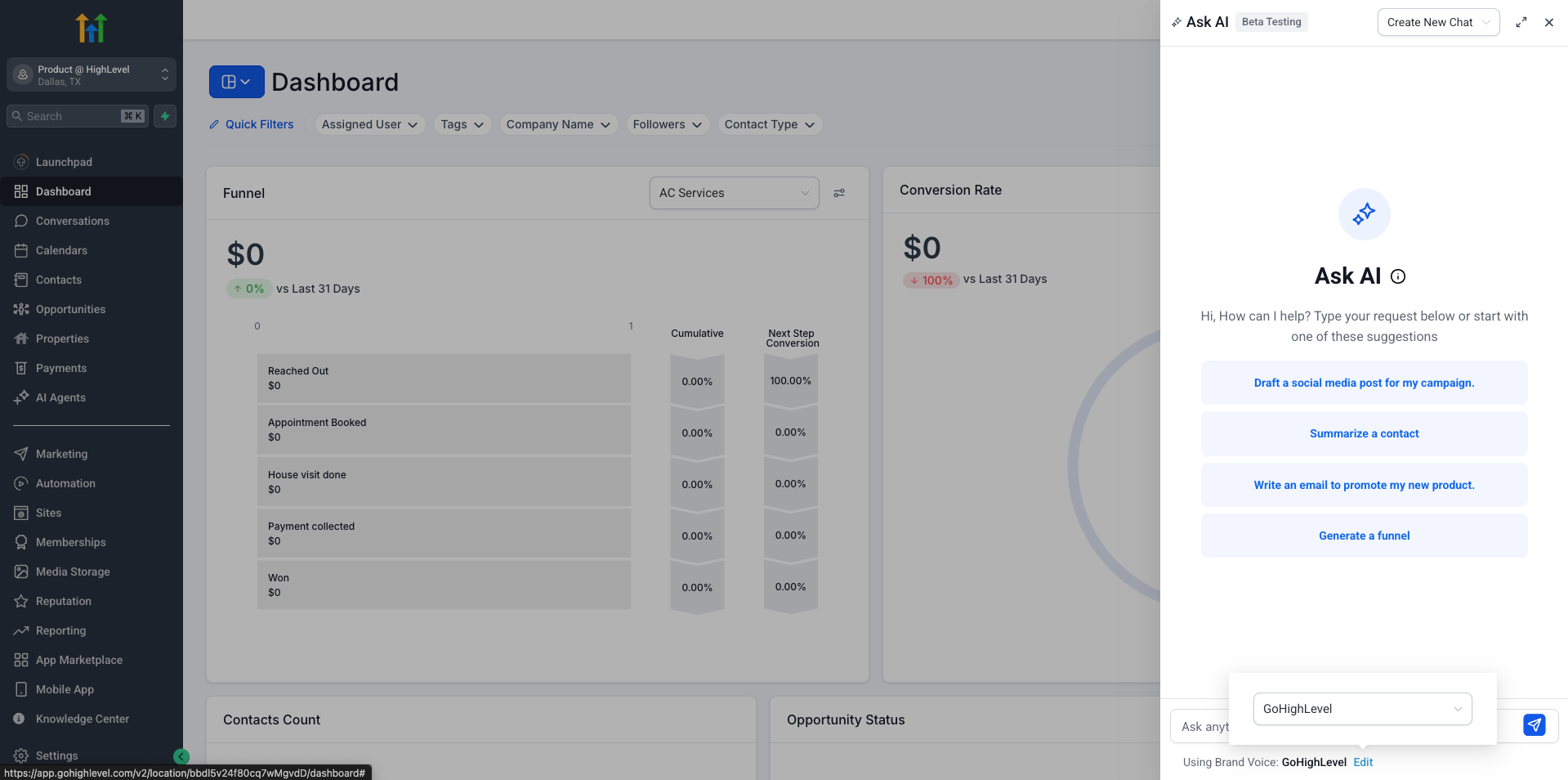
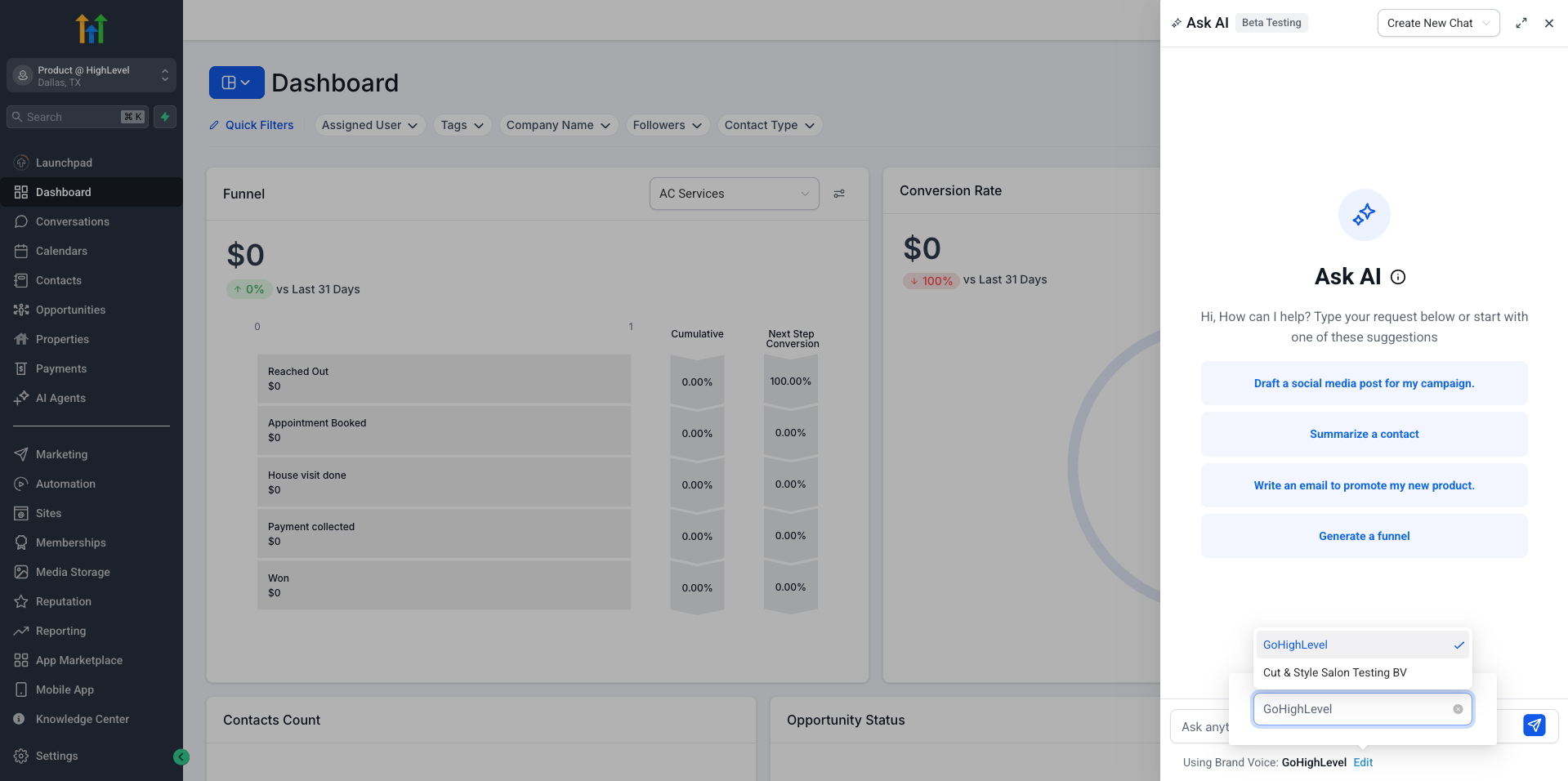
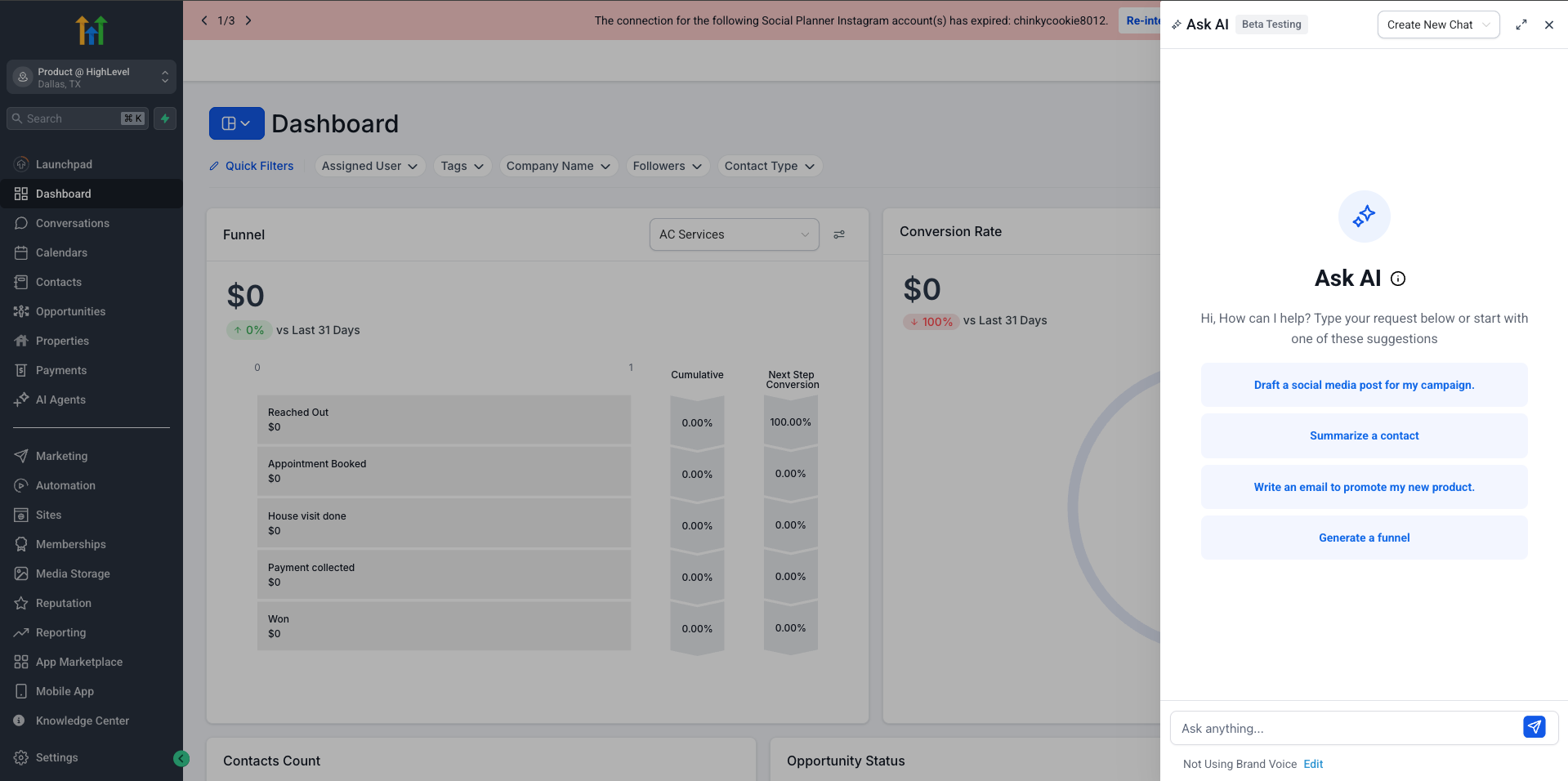
– You’ll now see the active Brand Voice directly below the Ask AI input box — so you always know which tone and style is being applied.
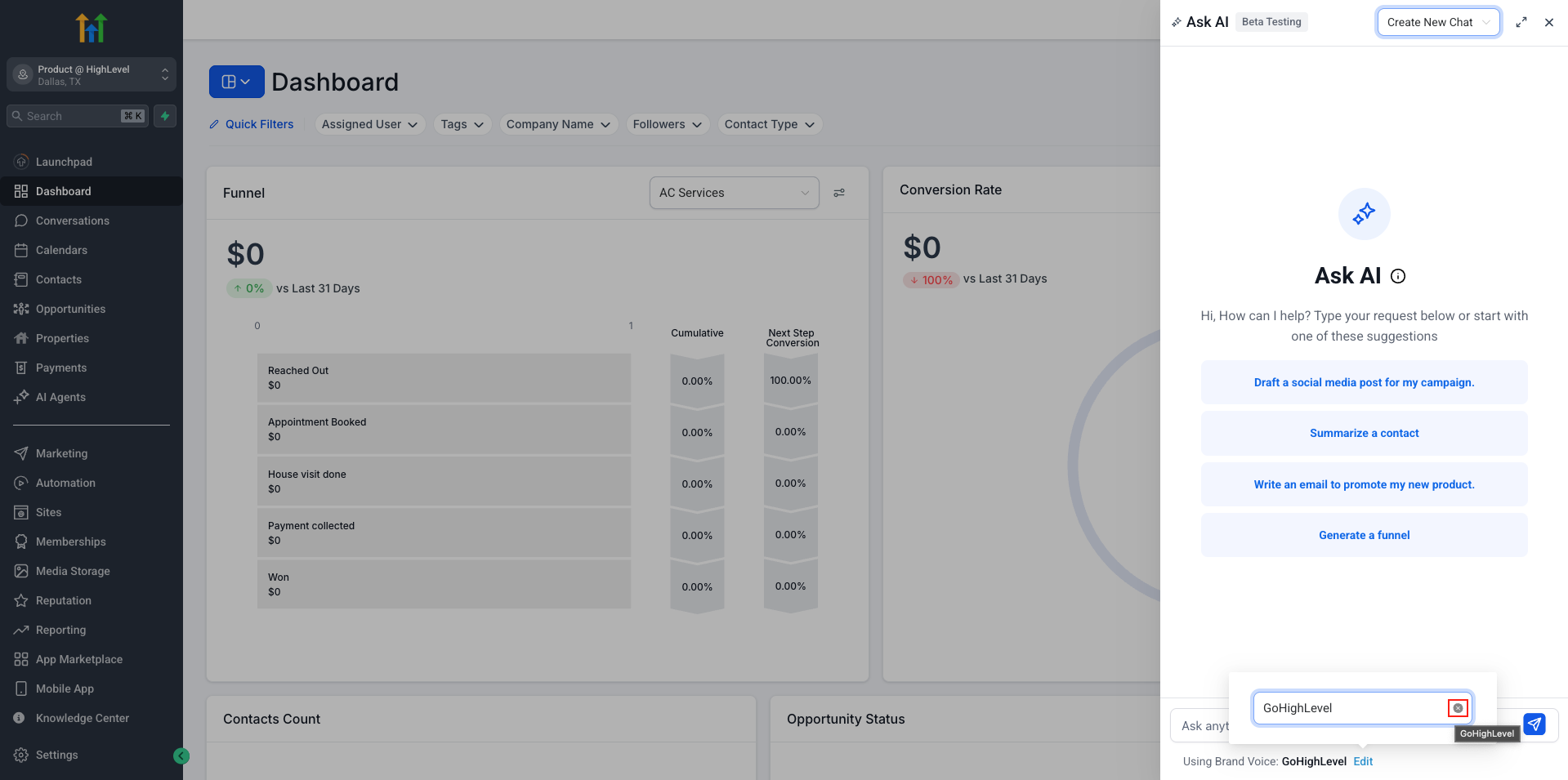
✏️ Easily turn it off
– Don’t want to use a Brand Voice for this response? Just click the ‘x’ icon next to the name. Ask AI will generate neutral, brand-agnostic content.
🚀 Quick setup if none is found
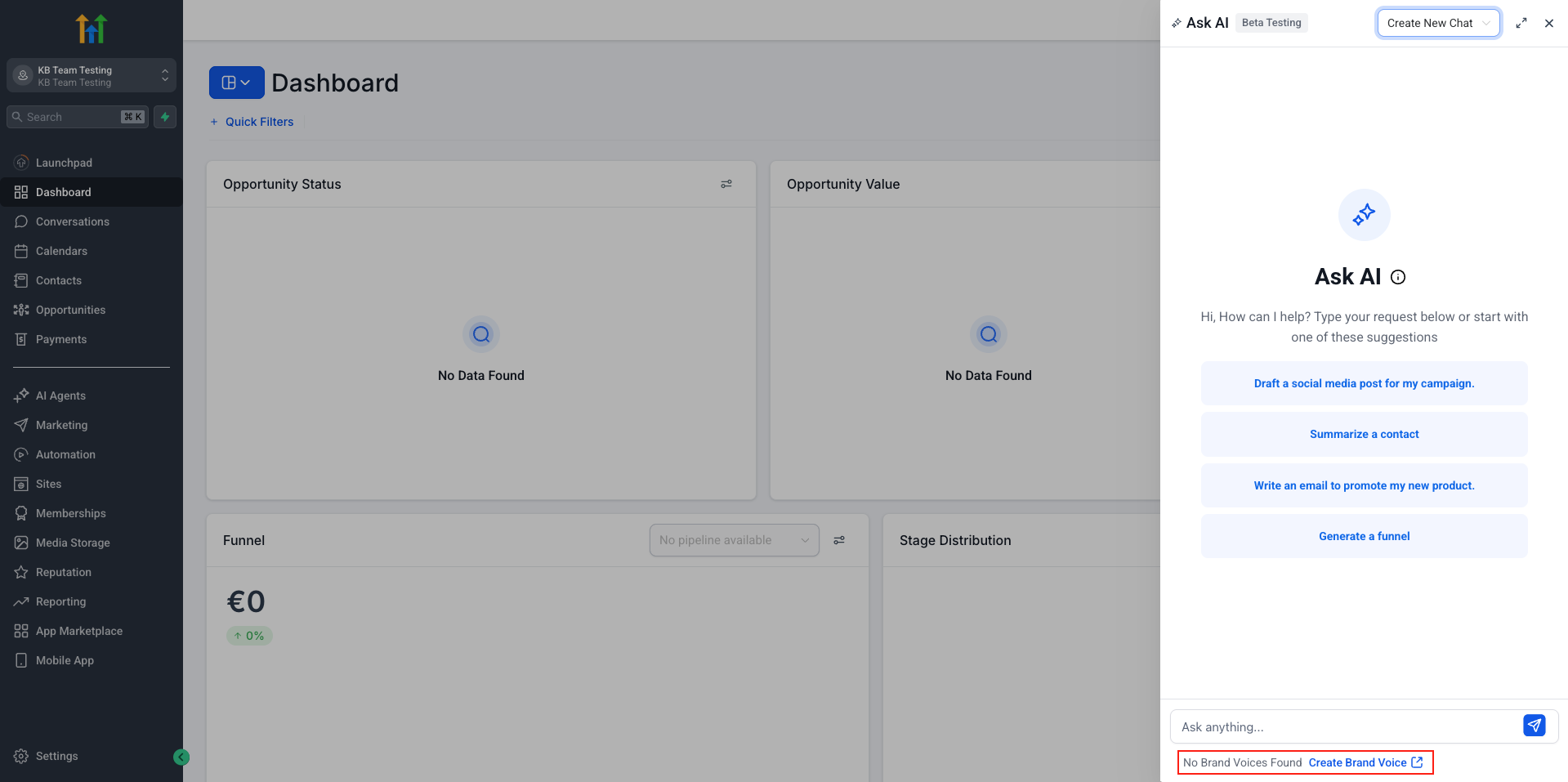
– If the location doesn’t have a Brand Voice yet, you’ll see a helpful prompt to create one. Clicking it takes you straight to setup in Brand Boards.
This update gives you more control and transparency over how Ask AI personalizes your content.