You can now view WhatsApp performance across sub-accounts in Agency Rolled-Up Reports.
👀 What’s New?
– Added Inbound and Outbound WhatsApp Metrics to the roll-up report cards.
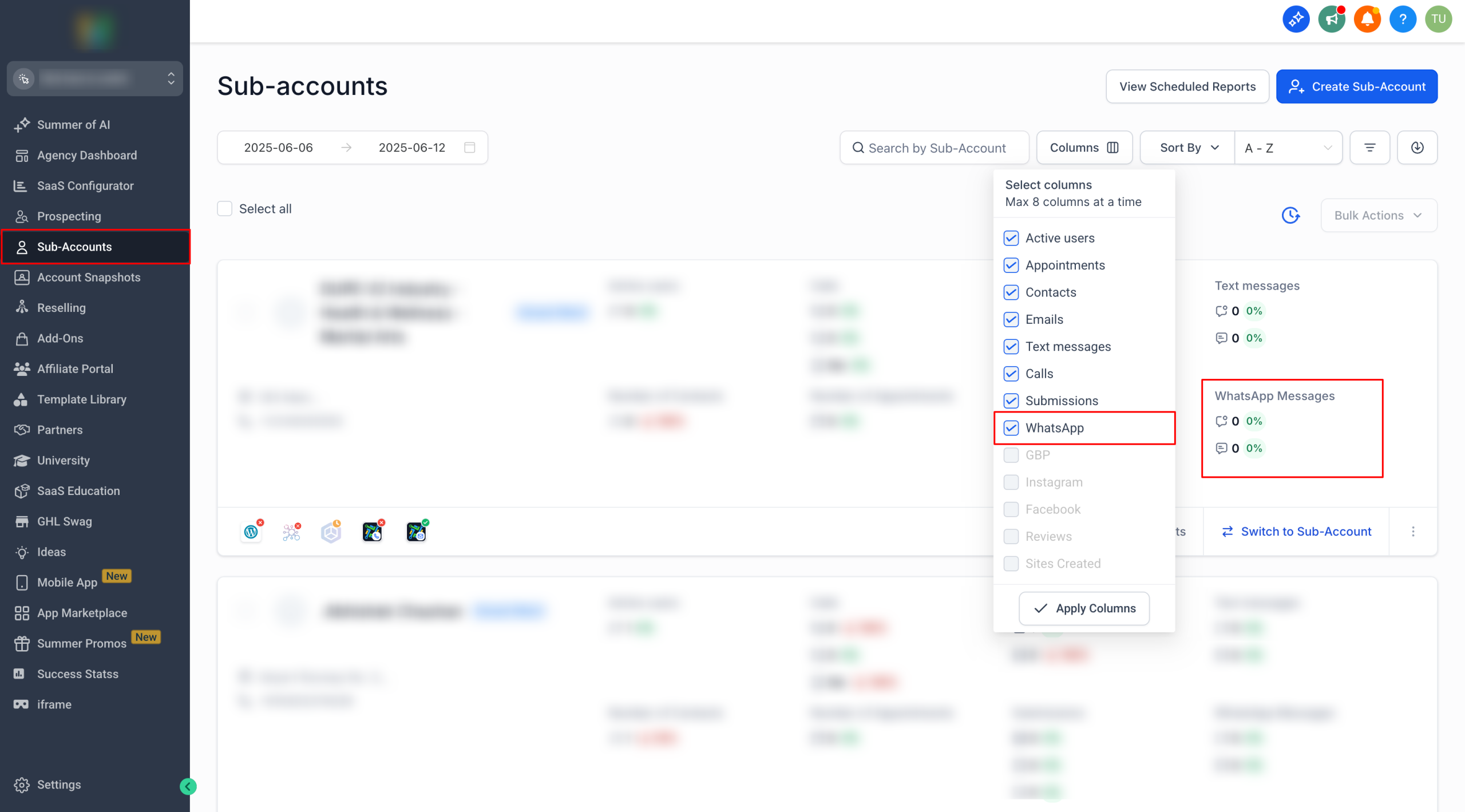
– WhatsApp is now available in the column selection menu.
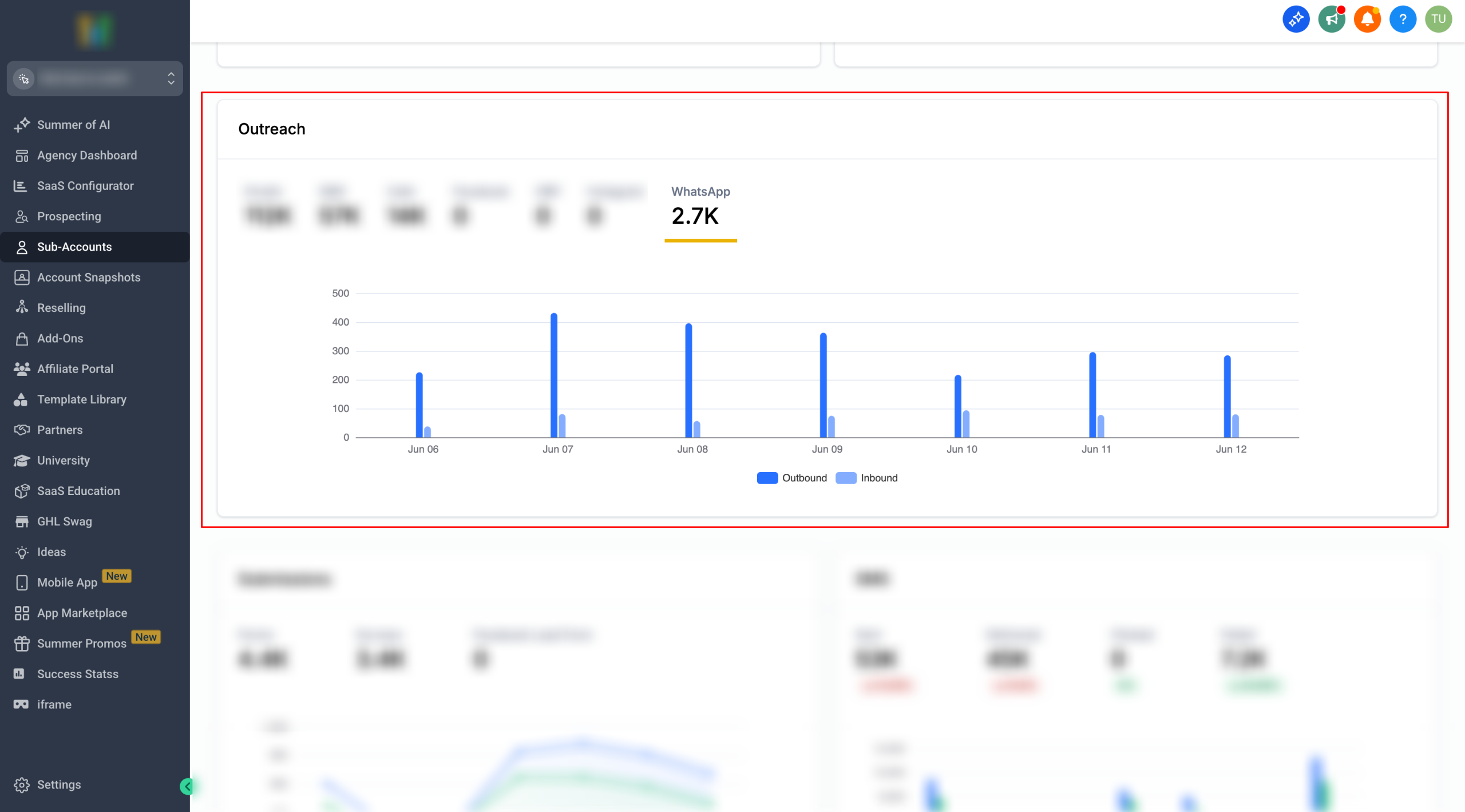
– WhatsApp charts are included in the Outreach widget for scheduled reports.
– WhatsApp column also added in the CSV export
👷 How It Works:
1. Go to the Agency view → switch to the Sub-Accounts tab.
2. Click on “Columns” and select WhatsApp.
3. Click Apply Columns to view the data.
📍 Important Note
– The metrics in the sub-account listing are displayed based on the user’s browser timezone.
– On the WhatsApp Settings page, the count shown reflects number of conversations, whereas the Agency report tracks number of messages.