
What’s New in Social Planner: Direct Instagram Integration –
We’re excited to announce a major update to the Social Planner — Direct Instagram Integration is now live! You can now connect and schedule posts to Instagram without needing Facebook Page permissions.
🤩 Key Highlights
– Creator Account Support: Direct Instagram integration supports auto-posting Stories from Creator accounts.
– Statistics Update: While view metrics for images/videos won’t be recorded, other post data is available in Statistics.
– Content Guidelines: For supported dimensions, formats, and media limits for Posts, Stories, and Reels, refer to our guide: Posting Guidelines
😍 How to Set Up Direct Instagram Integration
1. Go to Marketing > Social Planner
2. Click the Settings (gear icon) next to New Post
3. Select Add Socials
4. Choose the Instagram option
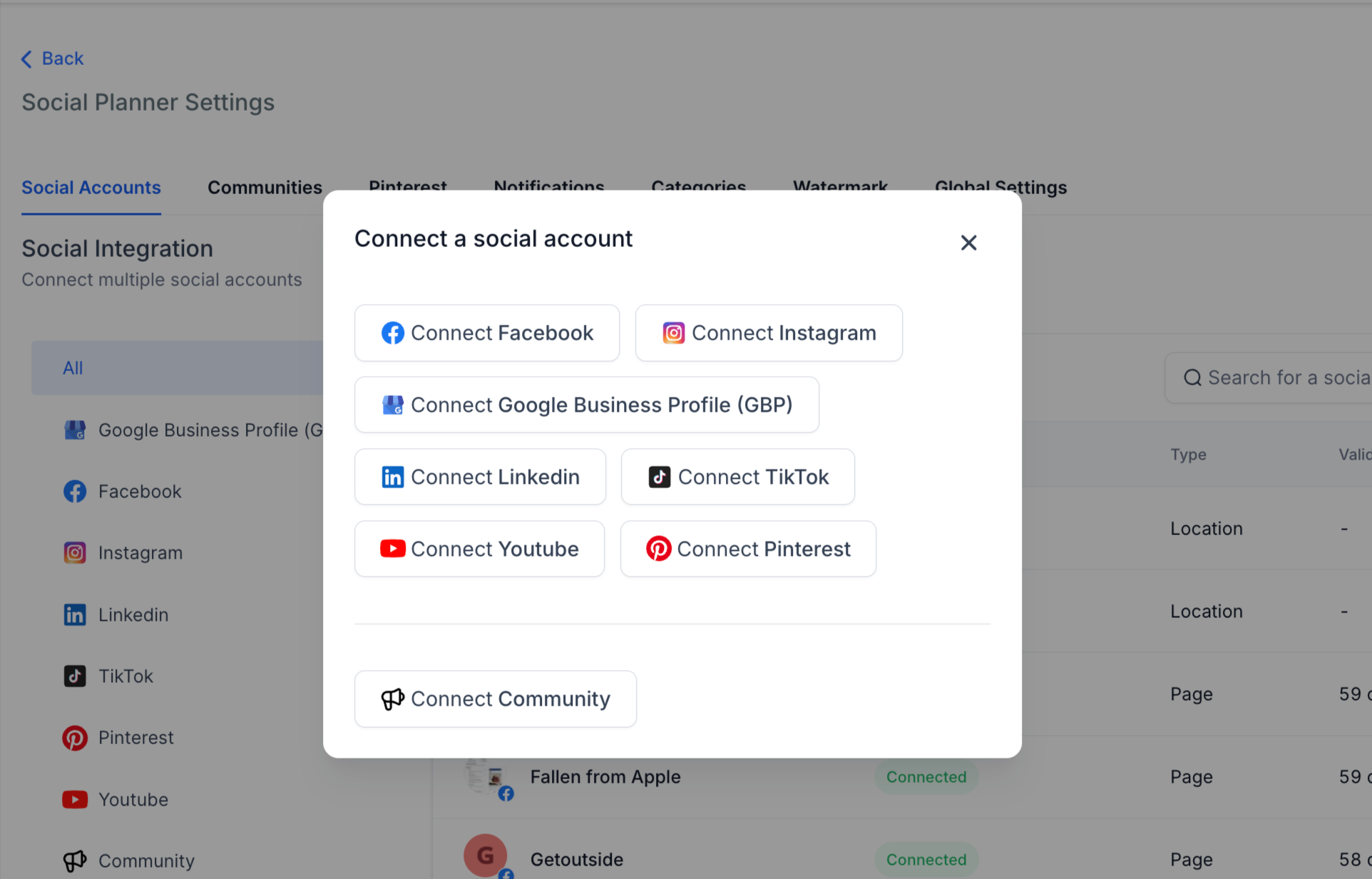
5. A pop-up will appear with two options:
– Instagram with Facebook
– Direct Instagram Integration
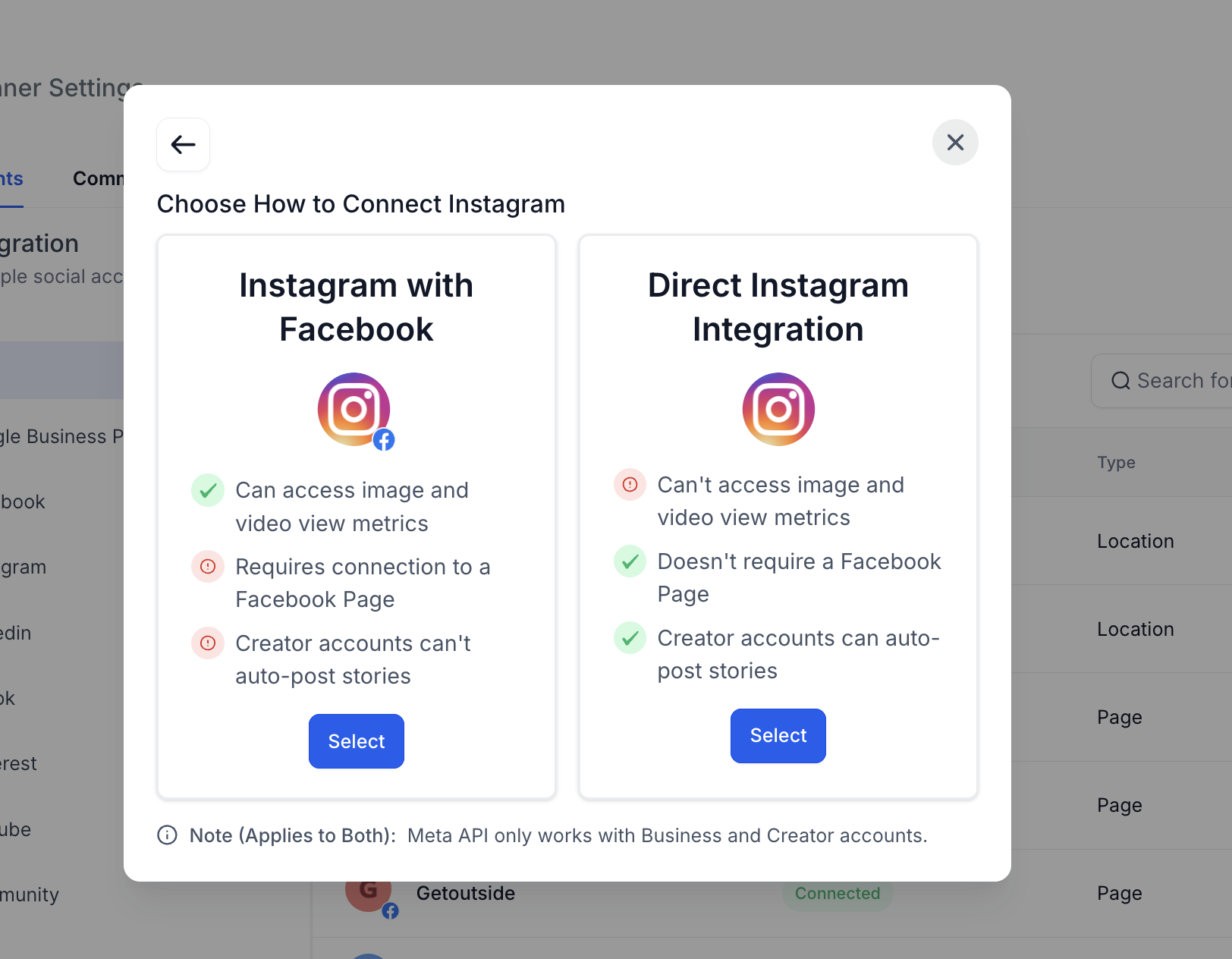
6. Select Direct Instagram Integration, grant necessary permissions, and choose your account
7. You’re all set! Start scheduling your posts with ease.
Help Article –