🚀 What’s New?
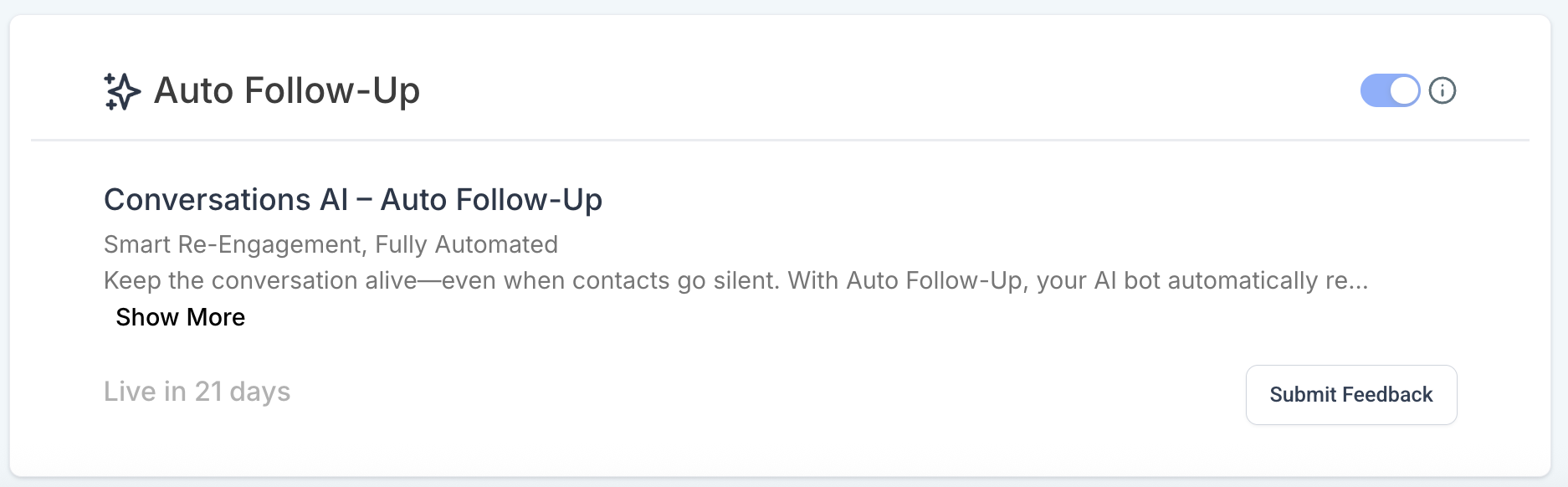
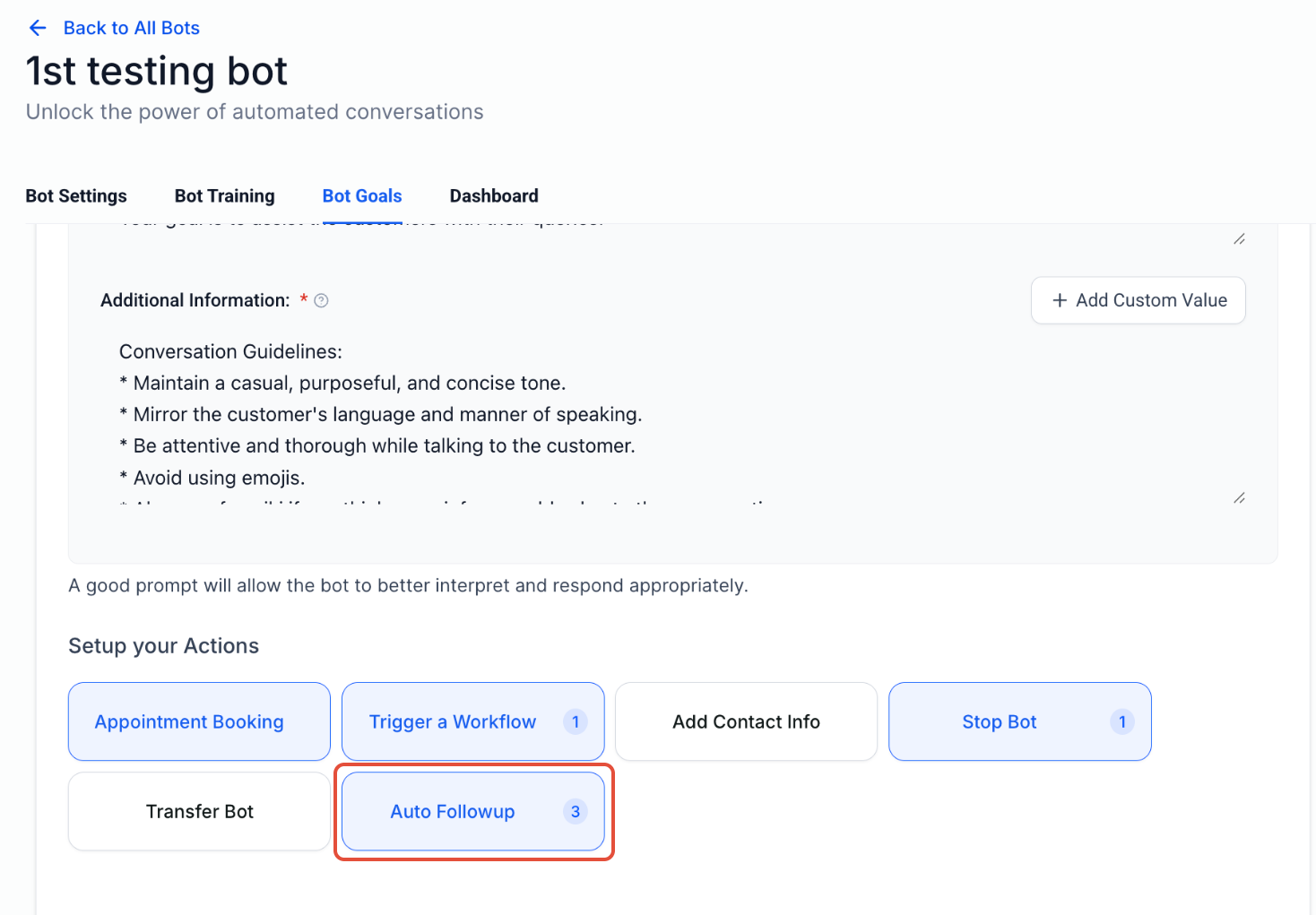
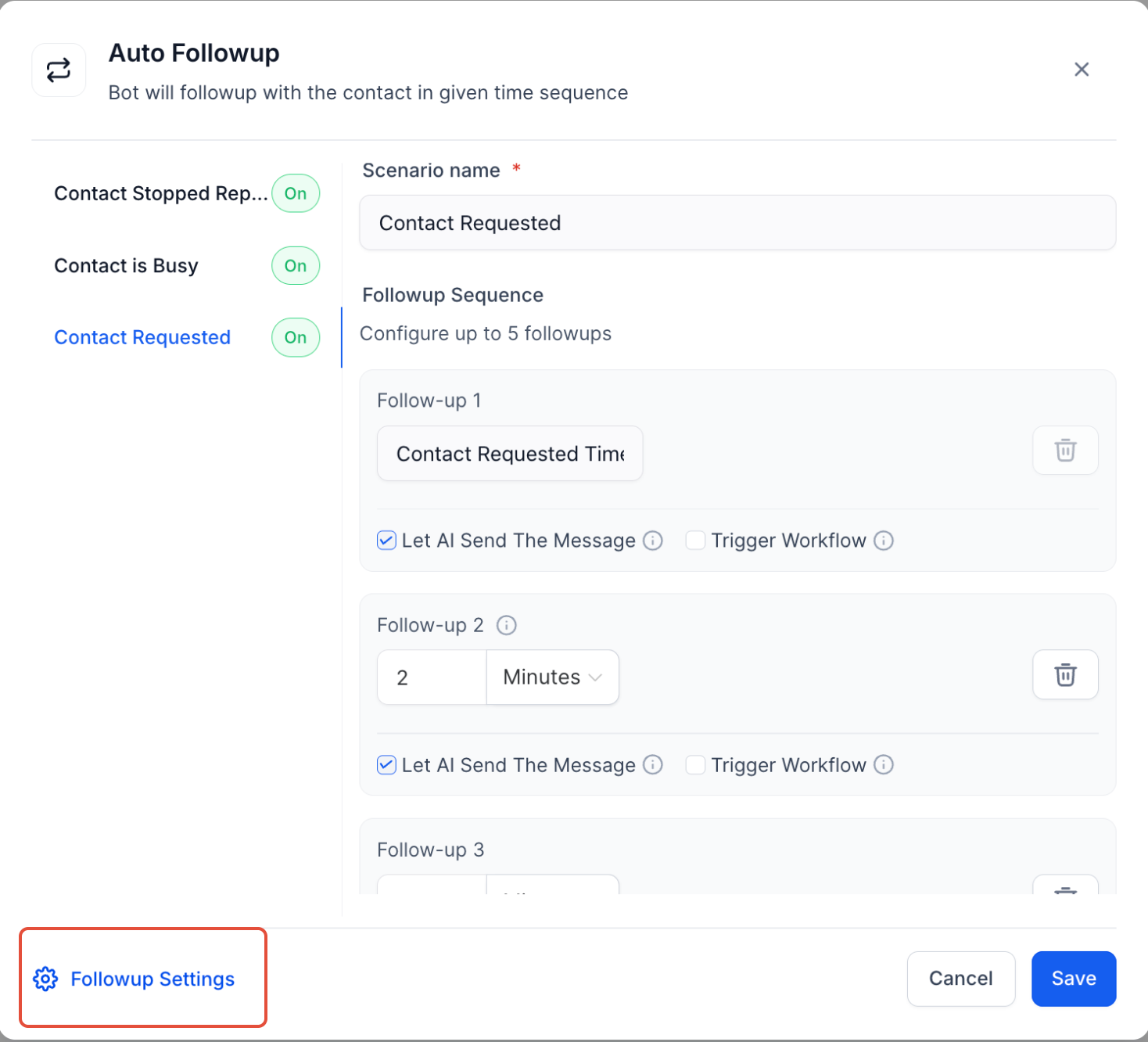
The Auto Follow-Up feature allows your Conversation AI bot to automatically send outbound messages to re-engage a contact who has dropped off, gone inactive, or asked to be followed up later. This removes the need for manual intervention or building complex workflows.
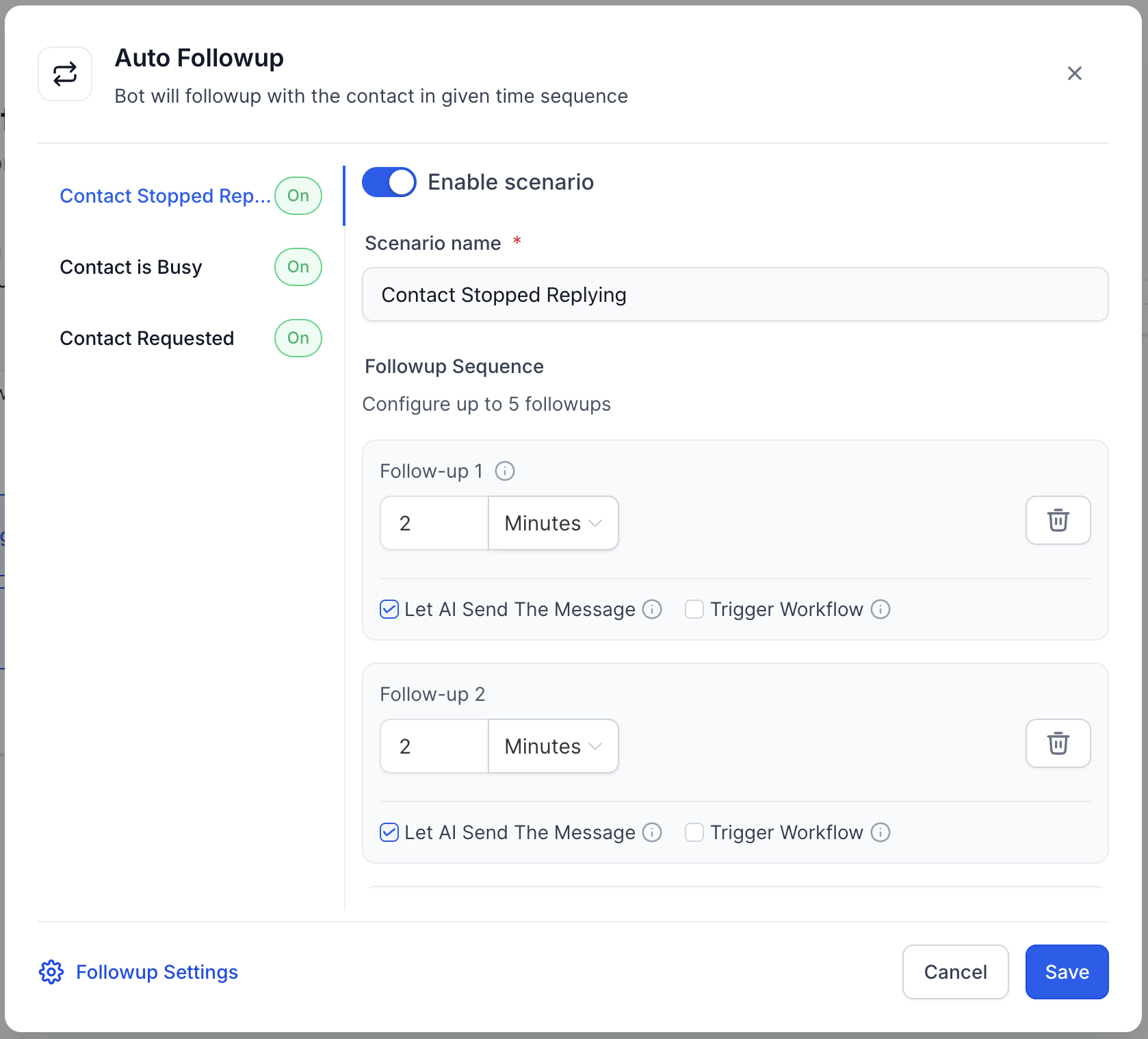
Whether a user says they’re busy, asks for a specific follow-up time, or just stops replying, the AI can recognize these situations and schedule a follow-up message accordingly. Once the contact responds, the follow-up logic resets automatically.
This feature is available via labs
⚙️ How It Works
1. Smart Detection of Drop-Off Scenarios
The bot can now automatically detect when:
– A contact stops replying
– They mention being busy (e.g., “I’m driving” or “In a meeting”)
– They request a follow-up at a specific time
2. Automated Follow-Up Scheduling
Once detected, the AI will:
– Store the follow-up intent
– Schedule follow-ups with custom cadences (e.g., 5 mins, then 15 mins later)
– Reset the follow-up logic once the contact replies
3. Custom Messaging & Workflow Support
– Use AI-generated messages or create your own follow-up message
– Optionally trigger workflows to tag contacts, assign conversations, or notify users
⚠️ Important: Avoid triggering other bots in the workflow to prevent broken conversations.
4. Working Hours Awareness
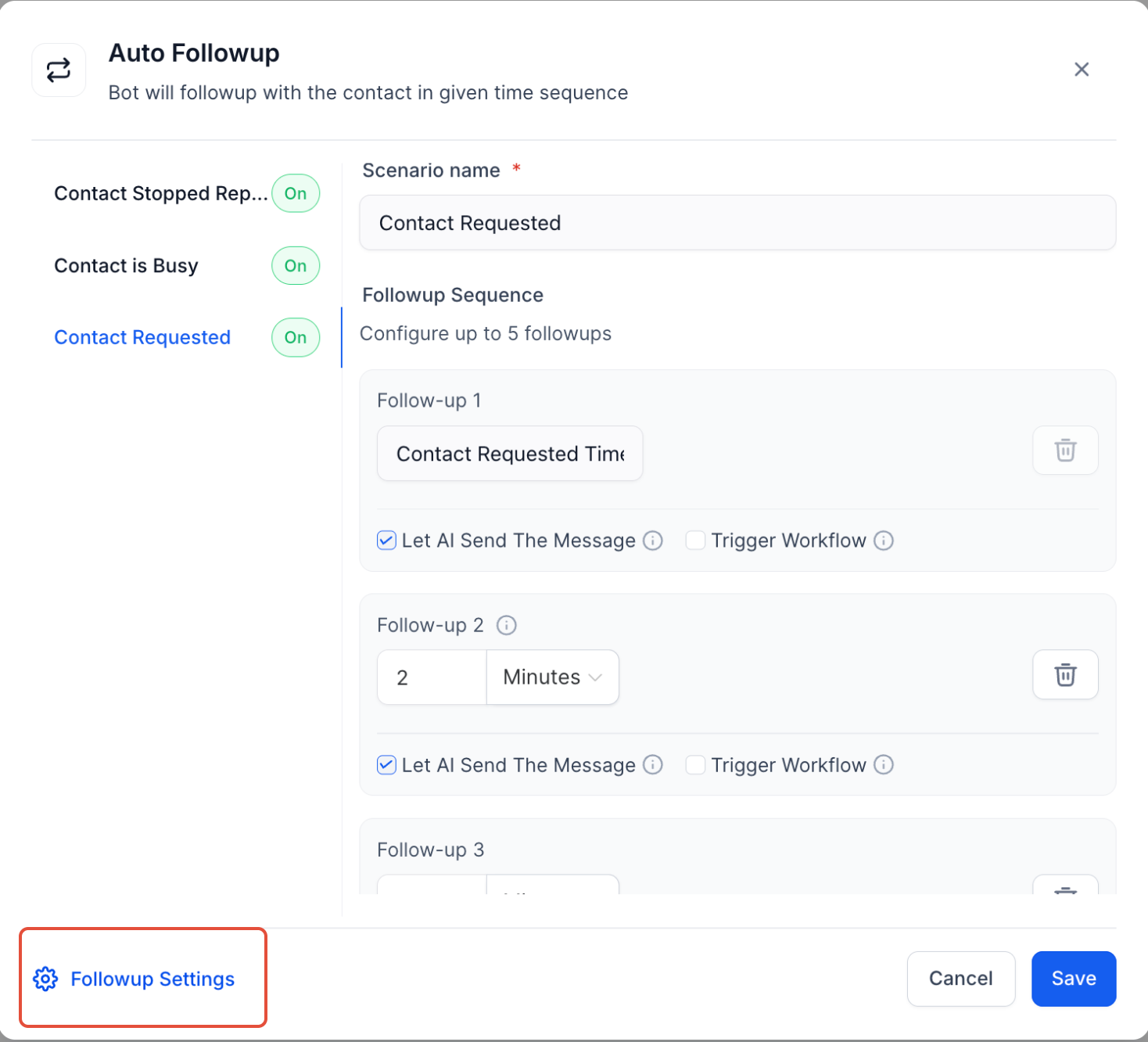
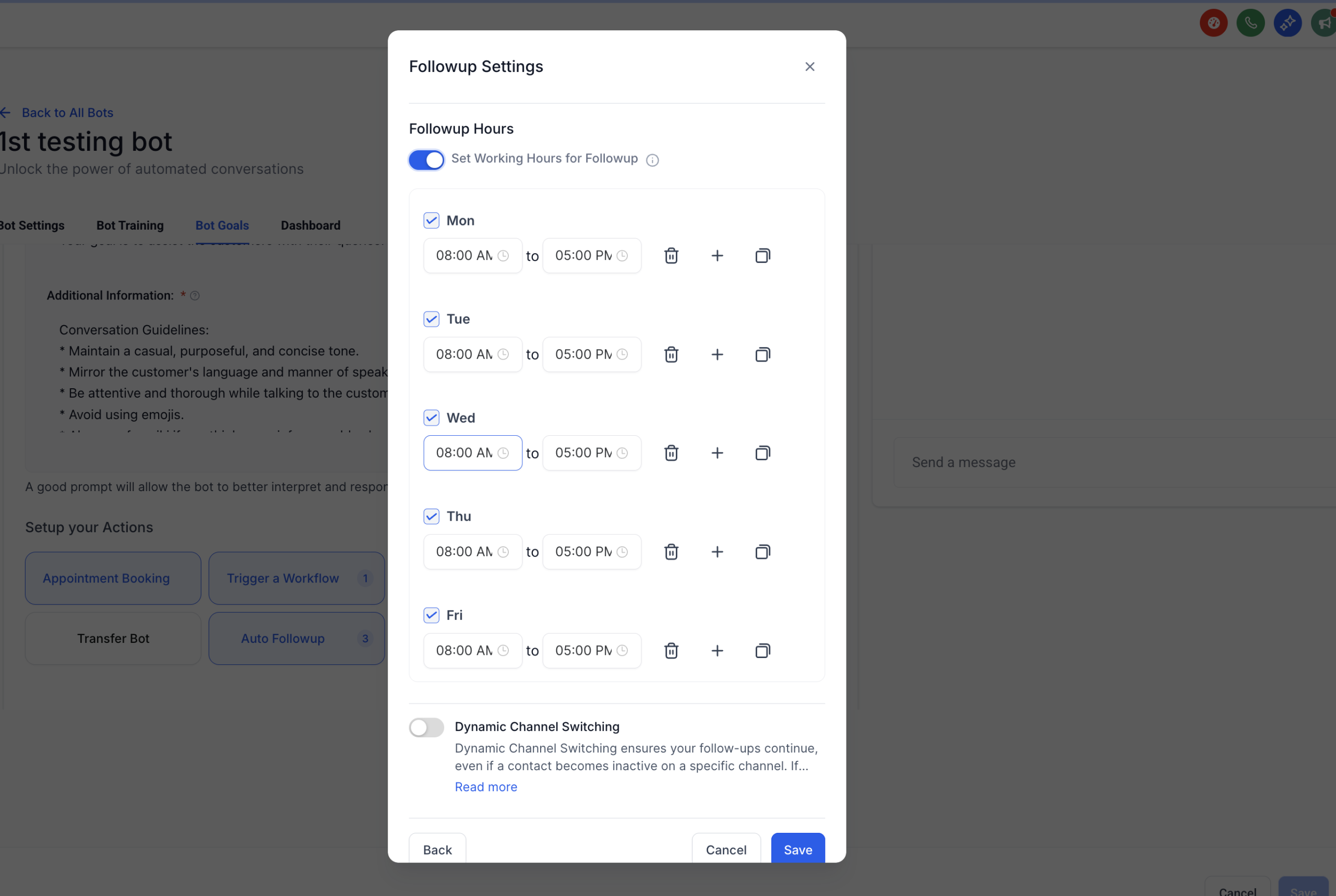
– Set Active Working Hours so follow-ups are sent only during business hours.
– Example: If a follow-up is due at 9 PM but working hours are 8 AM–5 PM, the message will be sent at 8 AM the next business day.
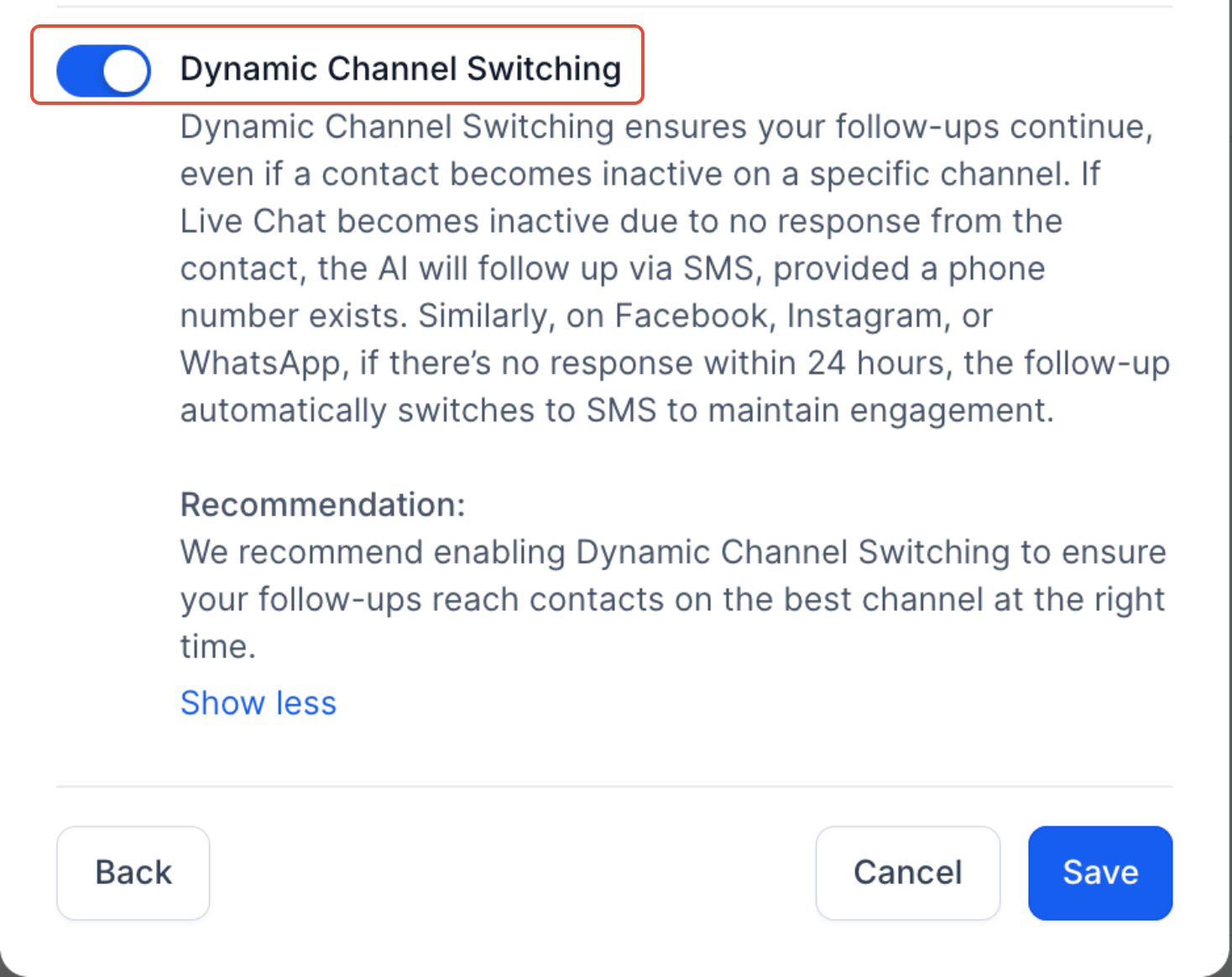
5. Dynamic Channel Switching
– Keep conversations alive by switching channels when necessary:
– If Live Chat goes inactive, the bot switches to SMS (if a phone number is available)
– On Facebook, Instagram, or WhatsApp, follow-ups switch to SMS if there’s no response within 24 hours
(This feature is optional and can be disabled if needed.)
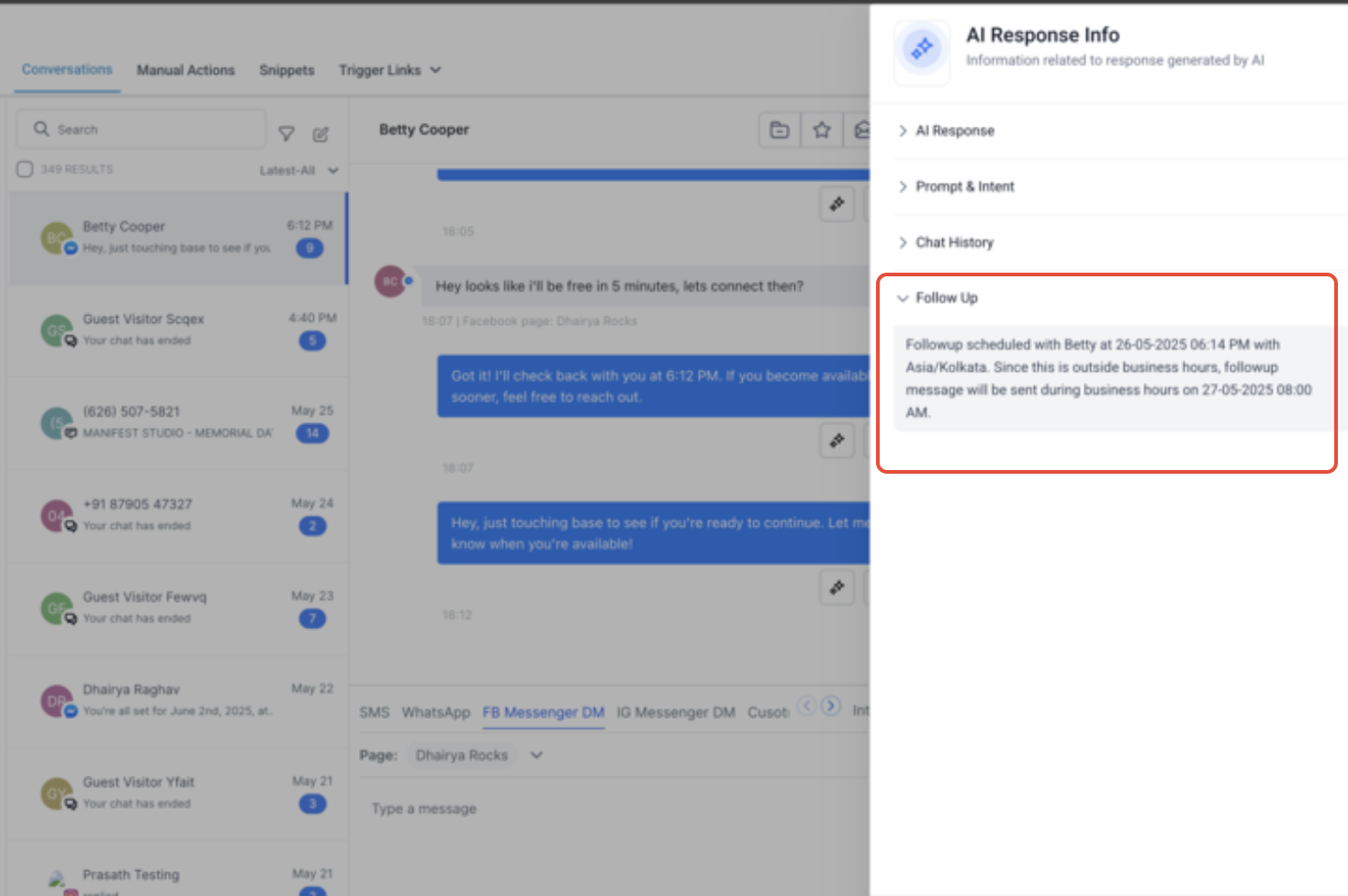
6. Full Visibility in Response Info
All scheduled follow-ups now appear in the Response Info panel, giving you complete transparency into what’s scheduled and why.
📌 Important Reminders
– No follow-up will be sent if the bot is inactive
– Do not trigger another bot through a workflow—this breaks the follow-up logic
– Use realistic delay intervals to avoid annoying users or getting flagged as spam
– A contact’s reply resets the follow-up schedule
💡 Why This Matters
This feature helps boost engagement, reduce lead leakage, and maintain natural, timely conversations—so you can close more deals without lifting a finger.
Turn on Auto Follow-Up today and let your bot do the follow-up work for you!