🔍 Problem Statement
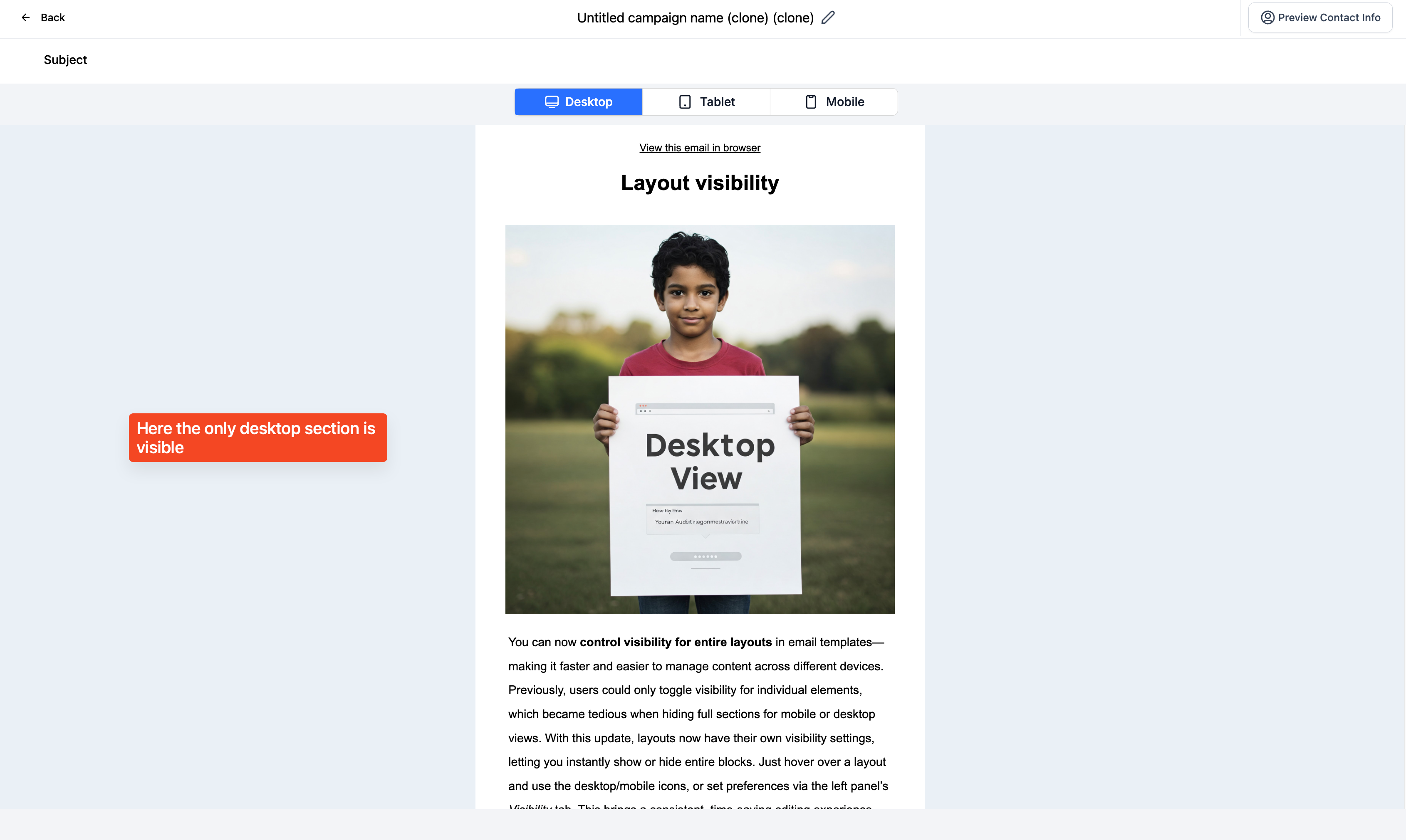
Users could only adjust visibility for individual elements—not entire layouts—making it time-consuming when needing to hide full sections on specific device views.
🧩 What We Did
We introduced a new visibility setting for layouts, allowing users to easily show or hide entire sections on desktop or mobile.
🚀 Benefits
1. Time efficient
2. Consistent editing experience between elements and layouts
💡 How to Use
1. Create an email template and add a layout
2. Hover over the layout and click on the desktop/mobile icons to toggle visibility
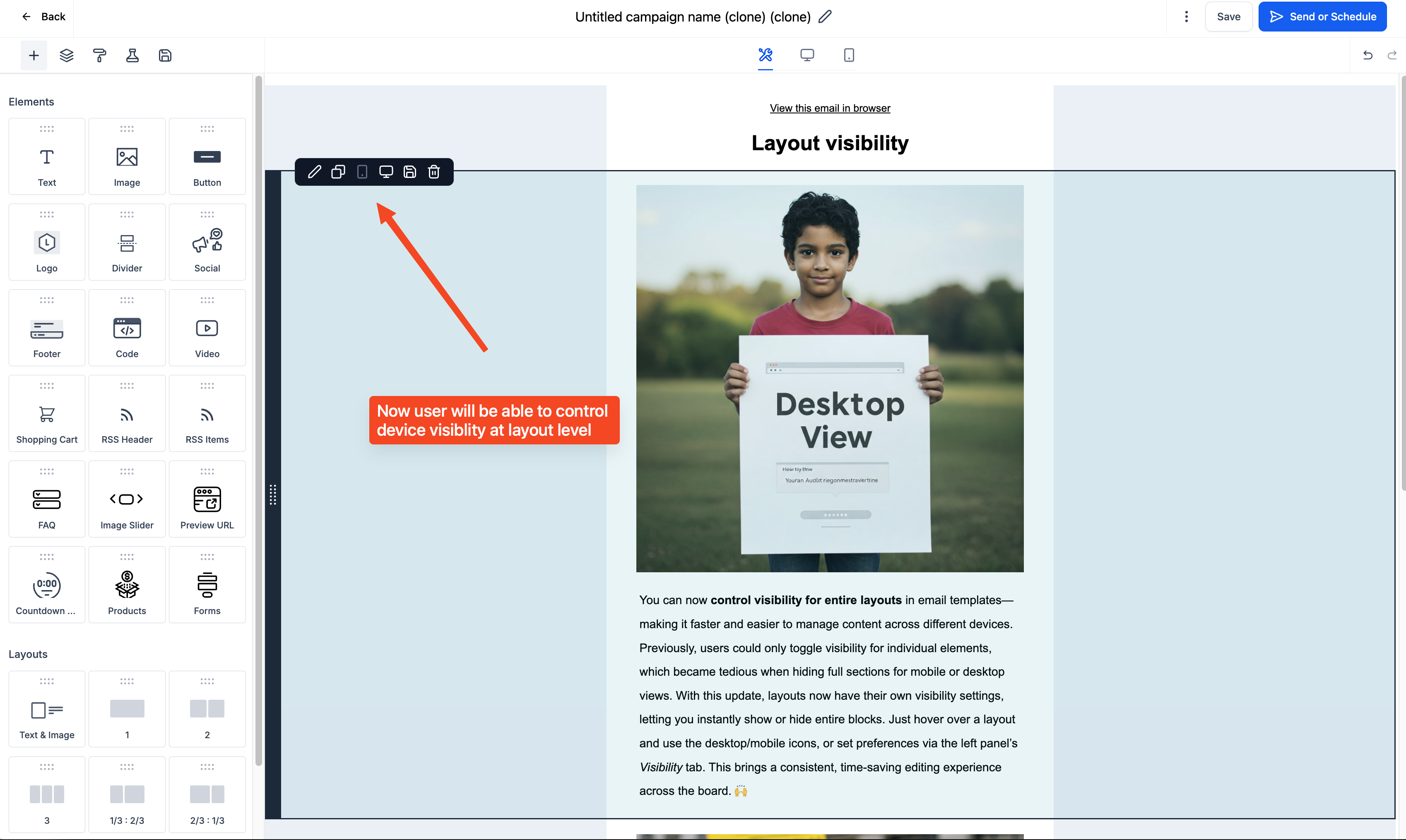
3. Or use the left panel’s Visibility tab to set preferences
4. Switch between desktop/mobile builder view to preview
5. Use test email or preview to verify settings