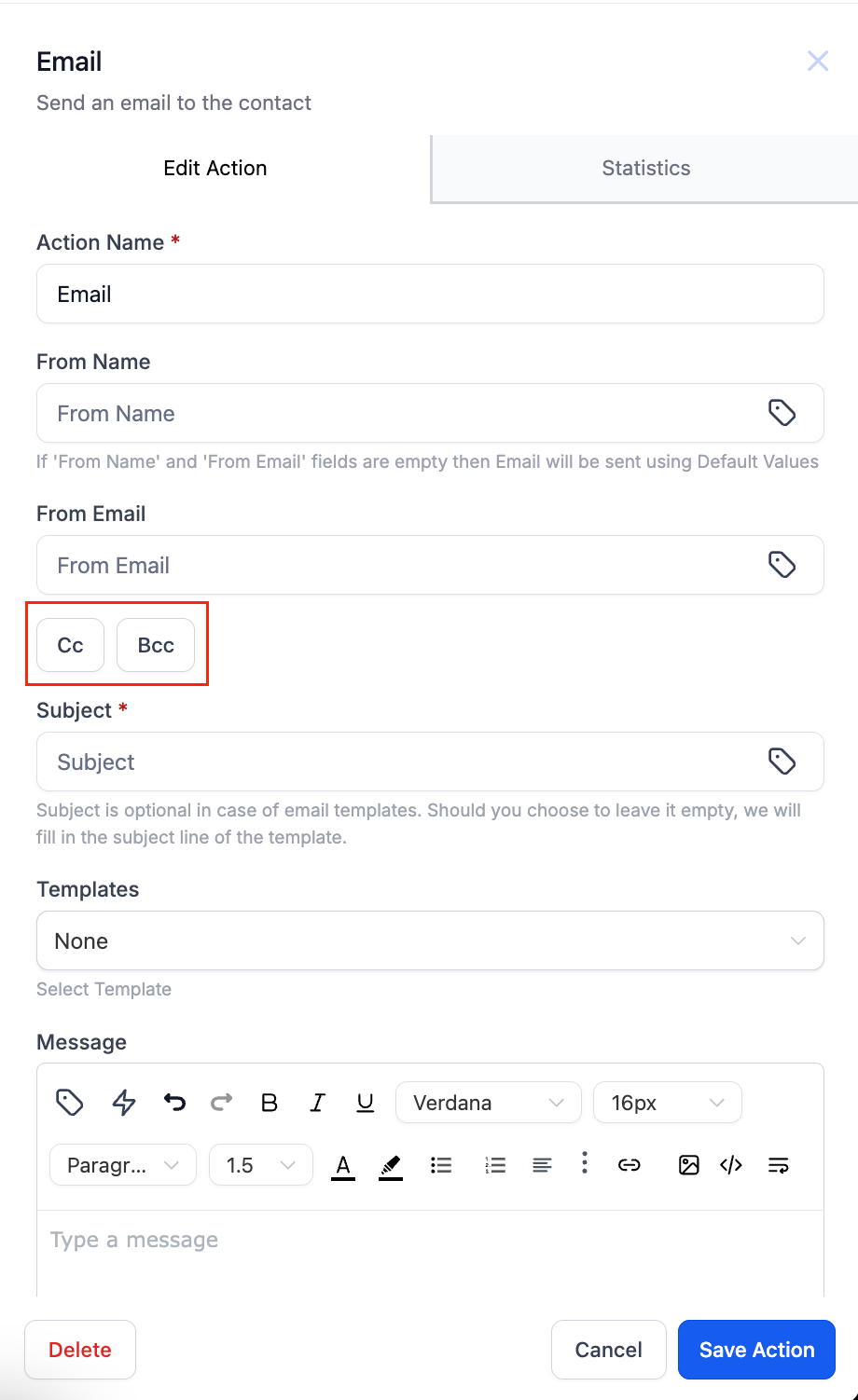
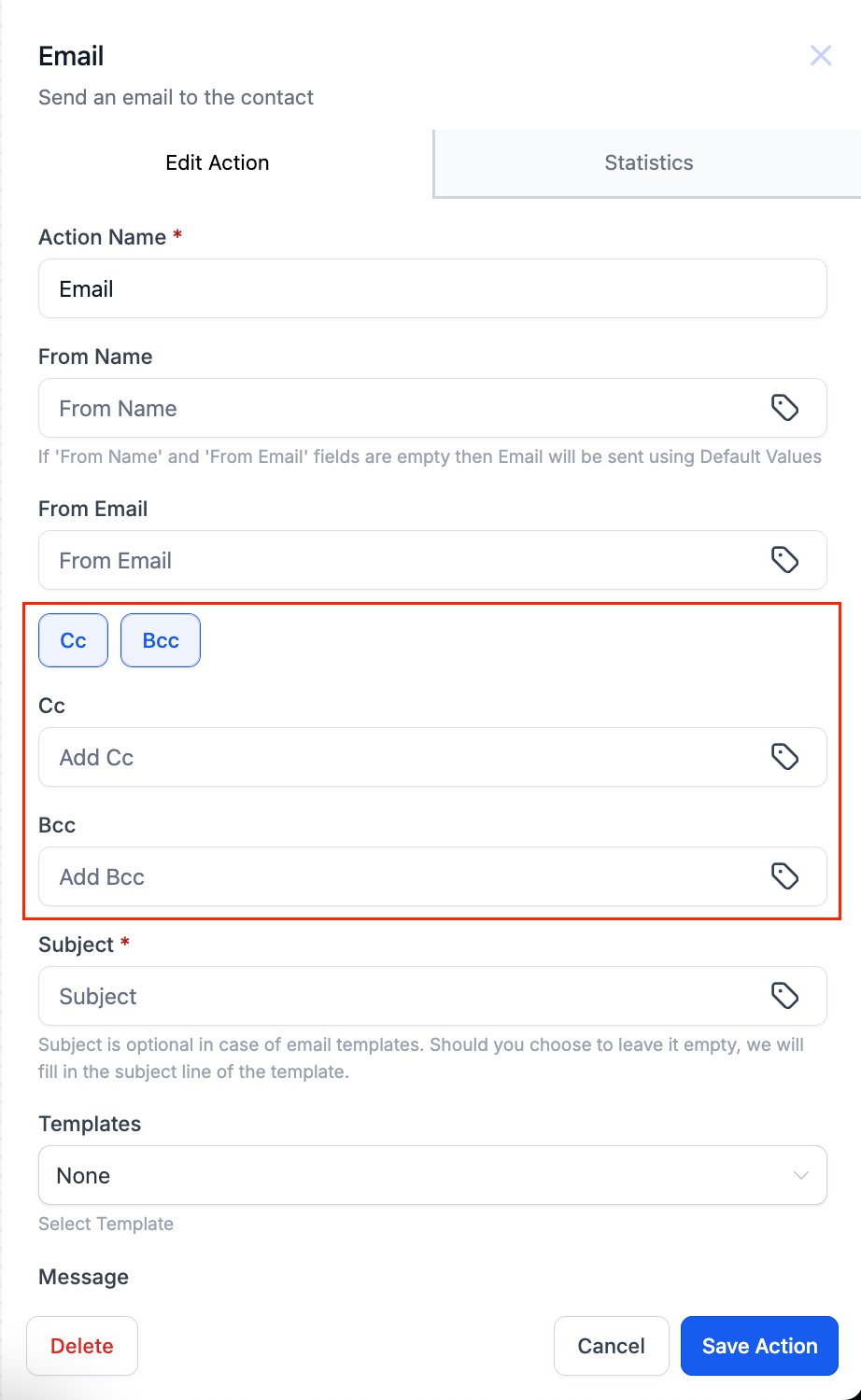
Now you can add cc/bcc fields in the Email Action
Changes
– Add cc/bcc fields in the email action by clicking on the cc/bcc buttons.
– When you click on the button the respective fields will populate.
Points to Remember
– You can add cc, bcc or both in the Email action.
– Cc and Bcc emails will not be reflected in the Email Stats.
– The Test Email feature will not work for Cc/Bcc Emails
– Success and Failure will depend only on the Contact Email (to email) and not Cc/Bcc Emails/
– User can add multiple cc/bcc emails. Emails need to be comma separated.
– What if 1 of the cc/bcc emails is invalid – The invalid email will be skipped but other valid email will go through.
– Both the fields are non mandatory.